
TL;DR · Direct answer
The buying decision in brief
A useful beauty-equipment specification sheet identifies the exact model, intended use, included and optional modules, operating controls, utilities, accessories, consumables, documents and commercial terms. Keep technical values tied to the quoted configuration rather than comparing isolated headline numbers.
01 / Buying guide
Pin down one model and one intended use
Put the complete model code, revision if available, product label, seller and target market at the top of the sheet. Similar cabinet designs can conceal different optics, firmware, accessories or power requirements. Never copy a parameter from a related model into the purchase record.
Describe the business use in terms that match the manufacturer’s current documentation. A marketing category such as “laser” or “skin management” does not by itself define regulatory status, trained operator requirements or permitted claims.
02 / Buying guide
Separate base unit, modules and recurring items
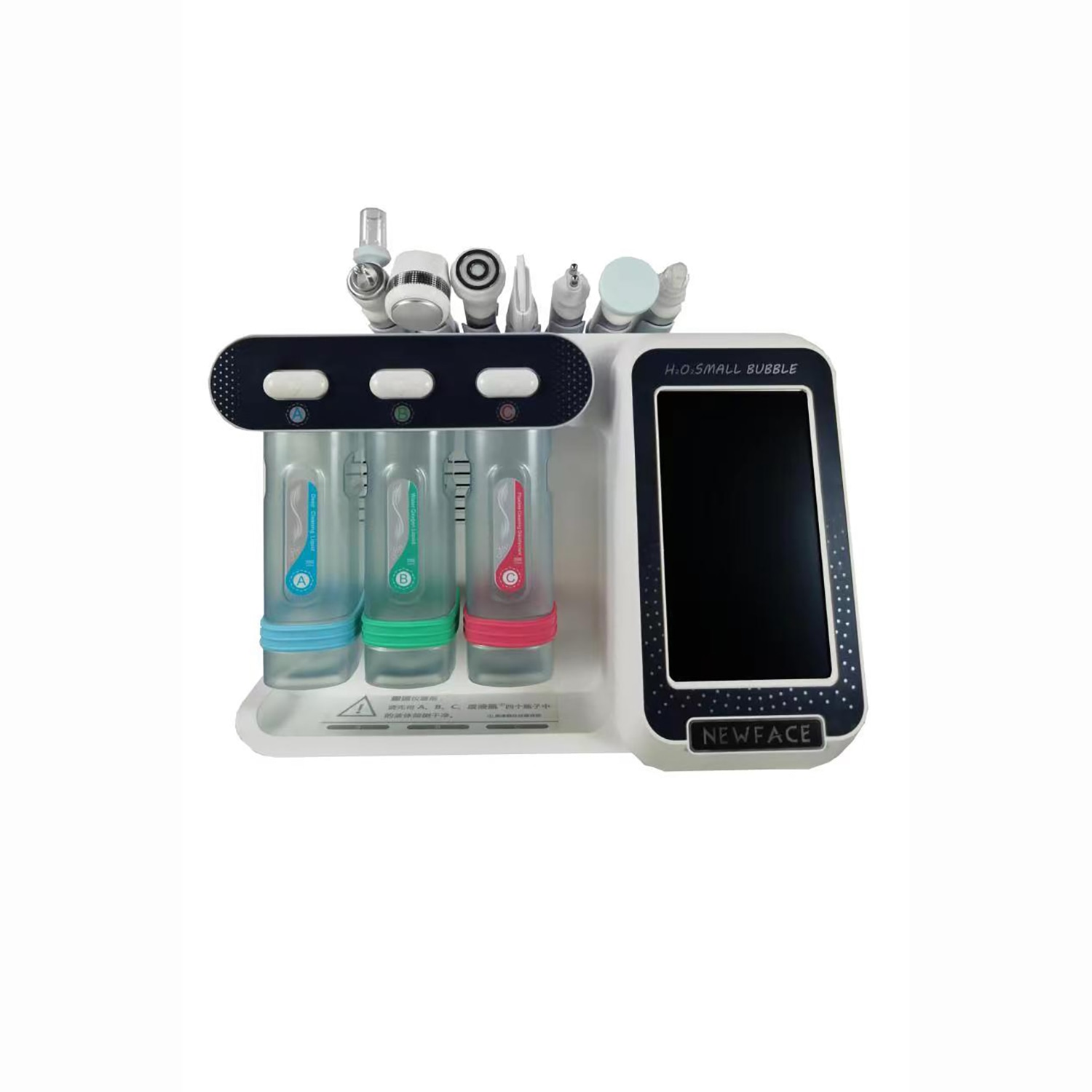
Create a bill of configuration with columns for standard, optional and repeat-purchase items. For each handpiece or module, ask which source, wavelength, control range or treatment function it actually supports. For a multi-platform machine, do not assume the headline device specification applies to every optical path.
Record software/interface language, plug and voltage, cooling arrangement, protective accessories and any supplied training material. Attach a current image and configuration list to the quotation so receiving staff can check the shipment.
- Standard base unit and serial/model label
- Each handpiece, tip, probe or cartridge
- Protective accessories and cooling items
- Consumable unit and replenishment route
03 / Buying guide
Document the installation environment
The same equipment can be impractical in a room with the wrong electrical service, ventilation, water access, floor space or delivery route. Ask for the actual machine dimensions and mass, input supply, site preparation, storage conditions and local safety requirements where relevant. Record who is responsible for installation and commissioning.
For light or laser products, obtain market-specific professional safety advice on eyewear, room controls and operator procedures. This page is a procurement checklist, not an operating manual or clinical safety instruction.

04 / Buying guide
Close the specification-to-order loop
Ask the supplier to return the same checklist with confirmed values, document references and an “included / optional / not available” status. Compare only offers with the same scope. Add quantity, currency, shipping basis, packaging, warranty, parts and timeline before deciding.
Keep a final signed or approved configuration record. It becomes the reference for production, incoming inspection, support and future reorders, reducing disputes over what was originally supplied.
05 / Buying guide
Record how each parameter was measured
A value without its unit, operating mode and measurement condition can be misleading. For optical equipment, note whether a figure is an emitted wavelength, filter band, source output or delivered setting at a handpiece. For RF, ultrasound or electromagnetic systems, ask whether the quoted number describes input power, output control or another measurement. The correct comparison is the documented control available on the purchased configuration, not the largest number on the marketing page.
If a supplier cannot explain a field, leave it unresolved and ask for a current manual or specification. Do not infer the missing setting from a screen photograph, another model or a third-party listing. This discipline is particularly important when the same chassis supports different modules.
06 / Buying guide
Use the approved sheet at receiving and handover
Turn the approved specification into a receiving checklist. Match the outer label and serial or batch identifier to the order, count accessories and consumables, check packaging condition, and document any discrepancy before the machine enters routine use. The person receiving freight may not be the operator; give both teams a common approved configuration list.
At handover, retain the correct-language manual, maintenance instructions, service contact and records of training or commissioning where agreed. Update the sheet when a module is added or replaced. That creates a version history for support instead of relying on a memory of the original sales discussion.
Comparison visual
Why headline specifications are not enough
Wavelength
One nm figure
Source, module, wavelength and handpiece mapping
Energy/pulse
Maximum output alone
Control range, mode, unit and measurement conditions
Accessories
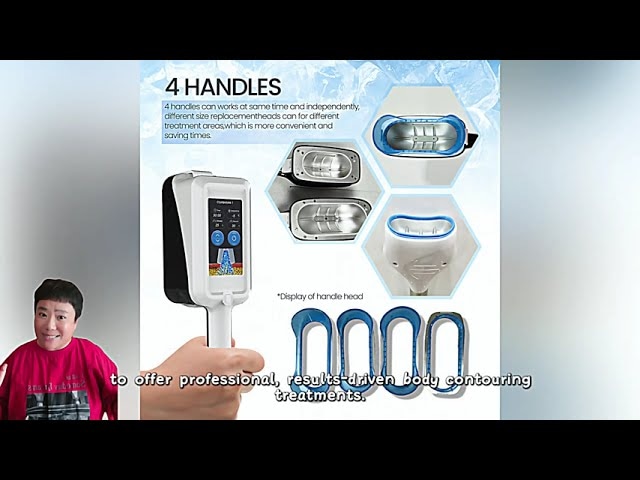
“Multiple handles”
Named included and optional items with quantity
Utilities
Voltage headline
Input, plug, cooling, water/ventilation and site owner
Decision flow
Specification control flow
- 01
Request
Use exact model and intended market.
- 02
Map
List modules, accessories and recurring items.
- 03
Validate
Check site, safety and document applicability.
- 04
Freeze
Approve the line-item configuration before ordering.
Practical table
Copy these fields into a purchasing sheet
Each checklist row shows every comparison field.
| Group | Record | Acceptance check |
|---|---|---|
| Identity | Model, revision, label, intended use | Matches all files |
| Optics/functions | Source, module, controls, handpieces | Each option mapped |
| Site | Power, cooling, room and delivery access | Site owner approves |
| Supply | Standard/optional/consumable items | Quantity and price clear |
| Service | Manual, warranty, parts and training | Named responsibility |
Buyer FAQ
Frequently asked questions
Can two machines be compared by wavelength alone?
No. Compare laser source, optical module, controls, handpieces, cooling, intended use, evidence and support for the exact configuration.
Should a consumable be listed separately?
Yes. State whether it is included initially, optional or a recurring purchase, with its replacement route.
When should the specification be frozen?
Before order approval, once the supplier has confirmed model, version, options, site requirements and commercial inclusions.
Source notes
References and further reading
External references provide general regulatory or industry context; they do not establish approval of a listed product. Accessed 22 September 2026.
Turn the checklist into a model-specific quotation
Send the exact model, destination market, quantity and configuration you need. Ask for the applicable documents and service scope in the response.
Request a quotation →