

TL;DR · Direct answer
The buying decision in brief
Use one RFQ version for one defined model or buying baseline. Name the buyer, target market, quantity and intended project scope; then ask each supplier to answer the same fields for the base unit, configuration, accessories, documents and commercial delivery scope. It is a comparison tool, not a promise that offers will be identical, compliant or lowest priced.
01 / Buying guide
Use the RFQ to define one comparable purchasing question
An RFQ is most useful when it asks every supplier to answer the same purchasing question. For a distributor or importer, that may be whether one named model and configuration fits a target market and commercial project. For a clinic or medspa, it may be whether a shortlisted configuration fits its site, team and procurement timetable. Start with the buyer’s actual scope rather than an open request for a “best price.”
Put an RFQ reference, issue date, buyer organization, decision owner and reply deadline at the top. State whether it concerns an existing catalogue model, a defined configuration or a request to discuss alternatives. This does not make a reply binding; it makes clear which response belongs to which request.
- Buyer role and decision owner
- Target market and intended project scope
- Exact model baseline or a clearly labeled alternative request
- Quantity, currency and commercial assumptions to be confirmed
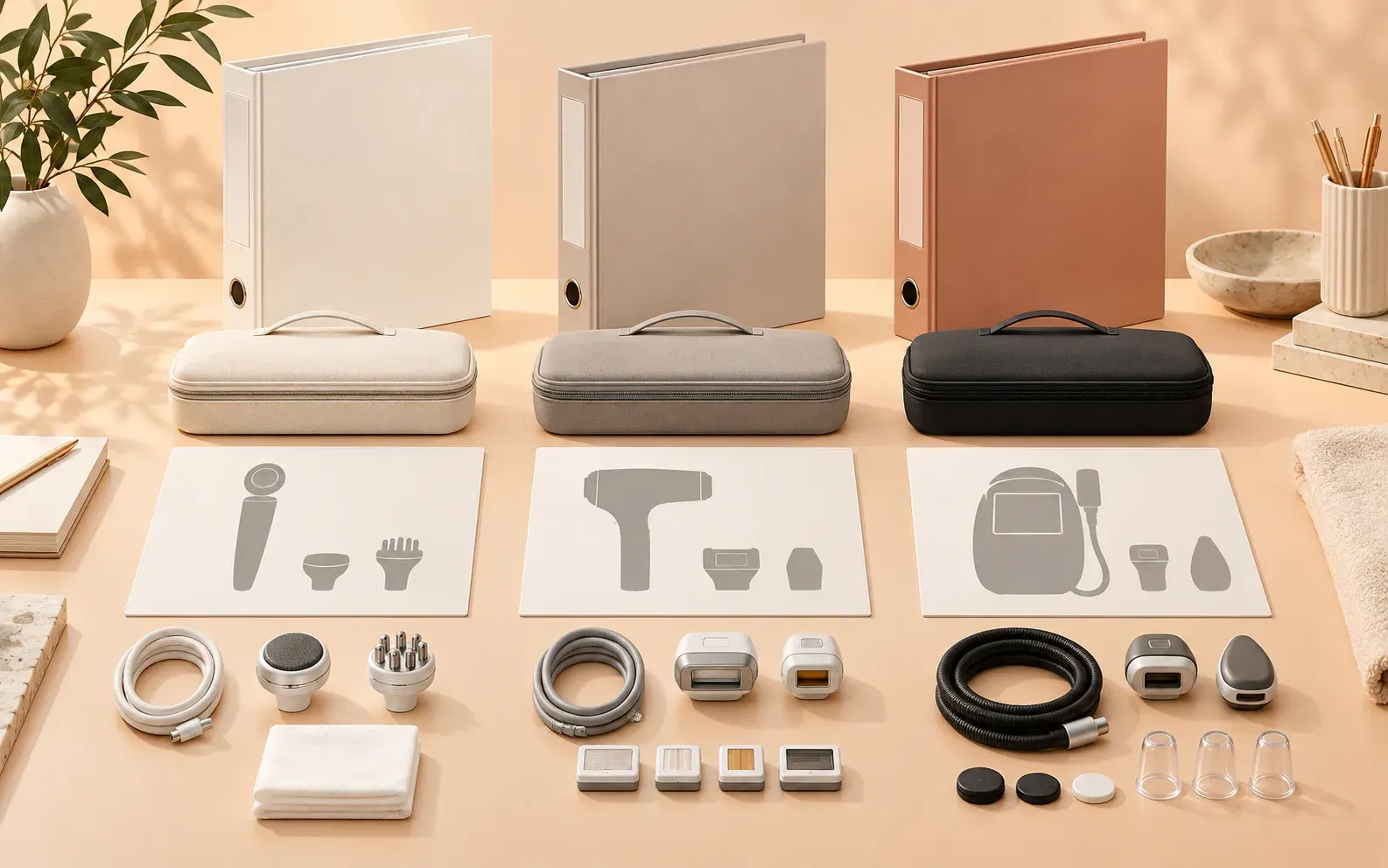
02 / Buying guide
Record model identity before comparing a commercial line
Place the full model code or supplier-defined identifier in its own field. Ask the supplier to repeat that identity and identify any changed version, variation or substitute. Keep the product image as a visual aid only: an image does not prove the model, configuration, specification, certificate coverage or market status.
If a response names a different model, move it to a separate comparison row. Apply the same rule when the exterior seems similar but the handpieces, controls, interface, power input or included accessories differ. This keeps a changed bundle from looking like the originally requested unit.
- Model name/code and date of reference material
- Base unit identity and proposed configuration status
- Image, label and manual references where supplied
- Supplier-declared substitutions or unresolved differences
03 / Buying guide
Copy this RFQ field template into your working sheet
Use answerable fields instead of asking a supplier to interpret a marketing paragraph. These fields are procurement prompts, not a representation that every item is available for every Aurum Epoch model, market or project. Mark an unanswered item “not supplied” or “to be confirmed,” rather than completing it from another model or an old quotation.
For documents, state what the buyer needs to evaluate and ask for the file name, holder, date or revision, model scope and market scope. Where formal product, quality-system or labeling rules may apply, applicability depends on the exact product, intended use, legal role and destination market. Obtain qualified local advice rather than treating this generic checklist as regulatory advice.
- Base unit: model identifier, proposed version and product-image reference
- Configuration: standard versus optional modules, handpieces, accessories and consumables
- Market: destination, intended scope, voltage, plug, interface and label/manual language
- Documents: requested file, holder, model scope, market scope, revision and unresolved gaps
- Commercial reply: quantity, currency, packing, delivery basis, exclusions and assumptions
- Handover: receiving/support questions and the owner for follow-up

04 / Buying guide
Separate quotes that can be compared from quotes that need clarification
Like-for-like comparison begins only after the requested scope is matched. Replies can be compared when the same model baseline, included configuration, quantity, market assumptions and commercial basis are visibly aligned. A difference is not automatically unacceptable; it simply needs its own line and written decision before a price conclusion is drawn.
Do not force partial replies into one ranking. A quotation with no stated handpiece list, uncertain document scope or unstated delivery basis can remain in a clarify group. This prevents a lower number from appearing decisive when it may exclude an item present in another quote.
05 / Buying guide
Run an RFQ completeness check before sending
Before releasing the request, ask a buyer who did not draft it to read only the fields and explain what needs to be quoted. If they cannot tell what the base unit includes, which market is relevant or who decides deviations, the supplier will have the same problem. Add a version number and retain the outgoing attachment or portal record with its date.
When a supplier asks a question, answer through the same revision trail where practical. Record whether the answer changes the original scope. The goal is not unnecessary administration; it is to stop a late email, photo or verbal instruction from becoming an invisible change to the comparison.
- One current RFQ reference, version and issue date
- Named buyer owner and approval route
- Included / optional / excluded / pending status for each component
- A response field for deviations and assumptions
- Question, owner, date and written-resolution record
06 / Buying guide
Keep the comparable reply record through order approval
When replies arrive, archive each response with the RFQ version it answers. Copy material deviations into a comparison record, then request written confirmation before converting the selected scope into an order. The final order is not created by this template; it must be reviewed against the parties’ actual commercial documents and responsibilities.
The trail also helps future reorders. A later buyer can see what baseline was requested, which changes were accepted and whether an open issue was resolved. It does not prove product compliance, performance, service availability or delivery timing; it keeps the questions and evidence gaps visible.
Comparison visual
When a quotation is comparable—and when it is not yet
Model baseline
The same named model/version is stated
A supplier substitutes a similar-looking or alternate model
Configuration
Base unit, handpieces and accessories are itemized to the same scope
A bundle says “standard” without naming included items
Documents
File, holder, model/market scope and revision are identified where needed
A generic badge or unscoped statement is supplied
Commercial basis
Quantity, currency, packing and delivery assumptions match
Exclusions or delivery basis are absent or different
Decision flow
From first inquiry to comparable supplier replies
- 01
Define
Write the buyer, model baseline, market, quantity and project scope.
- 02
Issue
Send the same numbered RFQ fields to each invited supplier.
- 03
Clarify
Log substitutions, omissions and assumptions as visible deviations.
- 04
Compare
Rank only answers that share a written scope.
- 05
Confirm
Carry the selected configuration and open-item record into order review.
Practical table
RFQ completeness and change-record template
Each checklist row shows every comparison field.
| Field | What to enter | Status / owner |
|---|---|---|
| RFQ identity | Reference, version, issue date and buyer project | Buyer owner |
| Model baseline | Exact model code, image/manual reference and variations | Supplier confirms |
| Configuration | Base unit, modules, handpieces, accessories and consumables | Included / optional / pending |
| Market and files | Destination, language, voltage and requested document scope | Buyer + supplier |
| Commercial scope | Quantity, currency, packing, delivery basis and exclusions | Supplier response |
| Change record | Date, item changed, effect, approver and written evidence | Named decision owner |
Buyer FAQ
Frequently asked questions
Will this RFQ template guarantee identical prices?
No. It helps reveal when offers use different scopes. Price, commercial terms, availability and supplier decisions remain specific to each response.
Should I compare a substitute model against the requested model?
Keep it as a separate row until the buyer has reviewed its identity, configuration, documents and commercial differences.
Does an RFQ prove that a product can be sold in my market?
No. Ask for relevant model- and market-specific evidence where applicable, and obtain qualified local advice for regulatory or legal questions.
Who should own the RFQ change log?
Name one buyer-side owner who records versions and routes decisions to the appropriate commercial, technical or compliance reviewer.
Source notes
References and further reading
External references provide general regulatory or industry context; they do not establish approval of a listed product. Accessed 27 September 2026.
Turn the checklist into a model-specific quotation
Send the exact model, destination market, quantity and configuration you need. Ask for the applicable documents and service scope in the response.
Request a quotation →