
TL;DR · Direct answer
The buying decision in brief
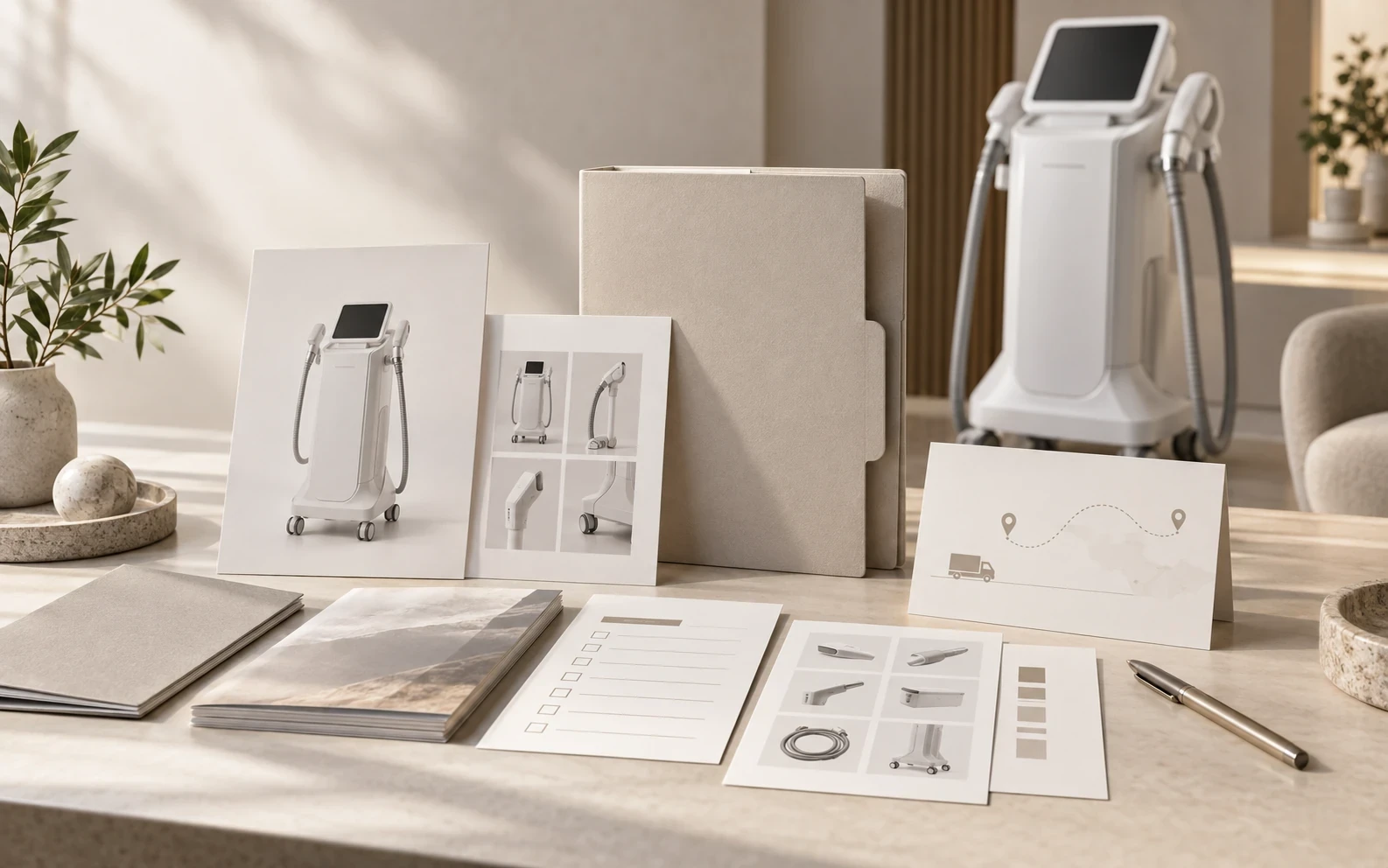
A distributor launch file is a controlled, model-specific record that keeps the proposed configuration, sales copy, images, documents, target-market assumptions and support route aligned before professional beauty equipment is offered. It should distinguish received material from approved public material, preserve open questions and log every version change. A launch file does not establish product certification, availability or commercial terms.
01 / Buying guide
Start with one model baseline, not a category folder
A distributor launch file should make one commercial proposal legible to a later reviewer. Place the exact model identifier, supplier reference or version, target market, intended business channel, buyer project, date and owner at the top. If the offer contains selectable handpieces, accessories, electrical options, interface languages or packaging choices, list them individually. A similar-looking image or a product-family name is not a substitute for that baseline.
This matters because content, documentation and support are often assembled at different times. A quotation might name a base unit while an image shows an optional handpiece, and a manual may describe another revision. The file should make those differences visible before a salesperson turns them into a catalogue statement or sends them to a prospective customer.
- Use one record per proposed model/configuration
- State the target market and distribution role
- List included, optional, excluded and pending items separately
- Date the baseline and name its owner
02 / Buying guide
Track source status separately from publication status
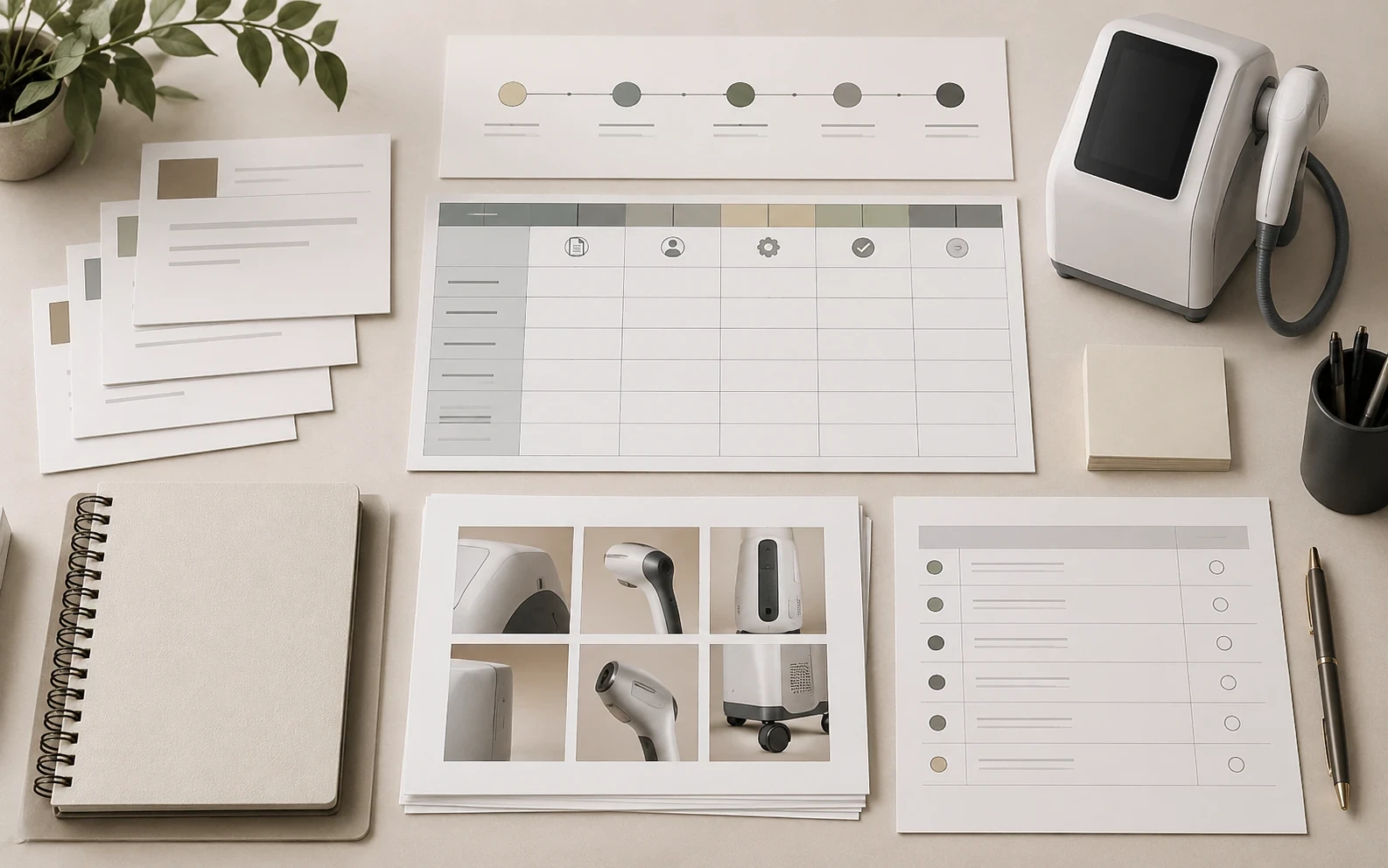
Create a source register for every quotation, label reference, manual, specification, image and marketing asset. Record its filename or link, provider, received date, stated model coverage, revision, use restriction and reviewer. Then apply a separate status such as received, identity checked, content checked, public-use approved, held or superseded. The distinction prevents an early supplier file from becoming a public claim merely because it looks complete.
A release status should be reversible. When the configuration changes, reopen linked copy, images and documents and write what must be reviewed again. Retain the earlier source and decision record rather than replacing it invisibly. Buyers and distributors can then explain what changed without exposing internal correspondence, draft materials or unverified supplier assertions.
03 / Buying guide
Make the sales pack reflect only the approved scope
Write model-level sales copy from the controlled baseline, not from the broadest product-family description. Identify whether an image shows the same proposed configuration. Keep optional modules, region-specific conditions, technical values, performance language and document scope out of public copy until the responsible source supports them for the exact offer. A short, accurate statement with an open question is safer than a polished but mismatched specification.
Use the same discipline for files supplied to dealers. A manual or label reference should retain its version, date and stated applicability. If market questions are unresolved, mark them as questions for qualified review; do not turn them into a statement about authorization, certification or suitability. The distributor’s launch file is a procurement and content-control tool, not a regulatory submission or approval record.
04 / Buying guide
Attach a support-question map before the first offer
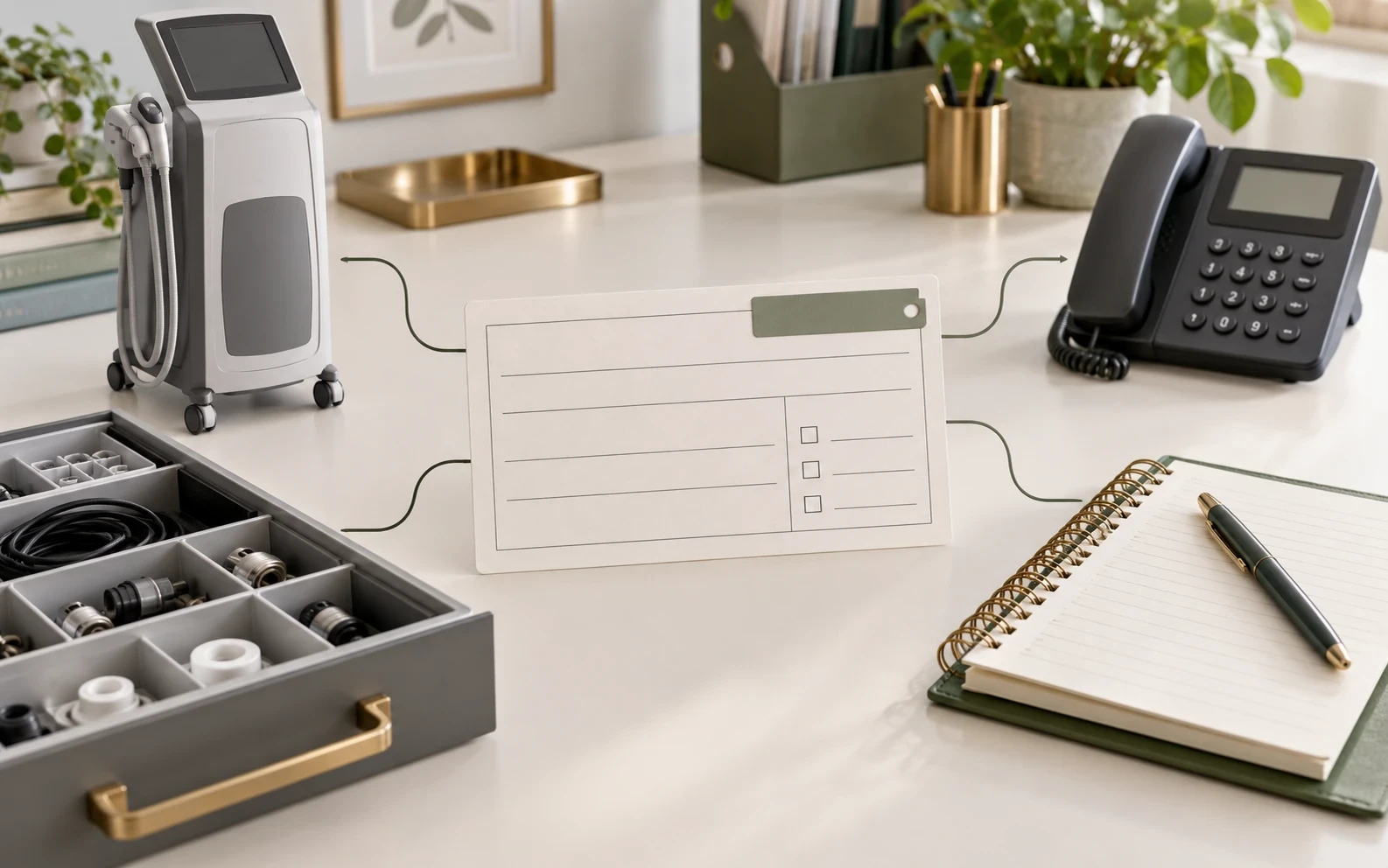
A launch file should state how a buyer question is initially routed, what information may be needed to identify the unit and which party owns the next action. Separate general commercial questions, technical questions, consumable requests and possible replacement-part requests. This is an operational map—not a statement that a given service, warranty remedy, parts stock or response time exists for every model or destination.
When a contact applies only to a region, channel or earlier model version, keep its scope as an open field until it is confirmed. Make the responsible owner and next follow-up date visible. This small control limits accidental overpromising while giving sales staff a clear way to respond when a prospect asks a question outside the approved launch material.
05 / Buying guide
Use a compact release matrix that people can actually maintain
A launch file works best when its control fields are consistent: asset or statement, source, received date, model/configuration represented, version, market context, use restriction, review result, open question, owner and next review date. Keep the public-facing decision separate from technical or commercial review. This avoids a vague “approved” label that means different things to sales, operations and content teams.
A practical release label can be “ready for bounded commercial use,” “usable only with an explicit qualification,” “internal reference only” or “hold.” The label should say exactly which model, configuration and market assumption it covers. It does not mean a product is certified, registered, available to ship or approved for a clinical use. Those questions require the relevant evidence and responsible review.
- Statement or asset and its original source
- Model/configuration and stated market scope
- Version, date and reviewer
- Public-use decision, limitation and open question
- Owner of the next action
06 / Buying guide
Treat a revision as a trigger to recheck dependent content
When a supplier changes a quotation, configuration, label, manual or image set, list the downstream materials that could be affected: product title, features, comparison table, alt text, downloadable file, support routing and quotation wording. Do not assume that a visual update has no commercial or document consequence. A new image might show a different handpiece, while a revised manual could change a language or configuration assumption.
Record the triggering source, its date, the reviewer and the decision for every affected item. If the relationship is unclear, mark the public material as held until the responsible source clarifies it. This gives sales teams a disciplined answer—“we are confirming the current configuration”—without exposing internal review records or speculating about model capabilities.
Comparison visual
Folder of files vs controlled distributor launch file
Model scope
Product family name or visual similarity
Exact proposed model, configuration and target market
Images and copy
Used because they look relevant
Source, visible configuration, use status and approved statement recorded
Documents
Saved together without relationship
Version, stated scope, source and review status listed
Support
Generic after-sales wording
Question route, owner and open items kept separate from promises
Decision flow
Model launch-file release flow
- 01
Define
Create the model, configuration, market and owner baseline.
- 02
Register
Log each quotation, image, label, manual and source revision.
- 03
Check
Compare model identity, public copy and stated document scope.
- 04
Route
Name the support-question path and unresolved owners.
- 05
Release
Approve only the bounded commercial material and log changes.
Practical table
Reusable model launch-file control sheet
Each checklist row shows every comparison field.
| Field | What to record | Status / owner |
|---|---|---|
| Identity | Model, supplier reference, configuration and target market | Named reviewer |
| Commercial scope | Channel, quantity context, included/optional/excluded items | Sales owner |
| Images and copy | Source, visible configuration, alt text and public-use decision | Content owner |
| Documents | Title, revision, date, stated model/market scope and source | Document reviewer |
| Support path | First contact, evidence needed, escalation owner and open points | Operations owner |
| Change log | Date, source, affected items, decision and superseded revision | File owner |
Buyer FAQ
Frequently asked questions
Can one launch file cover similar-looking models?
Use a separate baseline for each proposed model and configuration. Visual similarity does not establish compatible functions, included accessories, document scope or support path.
Does a supplier manual become sales-ready as soon as it is received?
No. Record its version, source, stated model scope and review status first. A received file may still be held if its model, market, language or configuration relationship is unresolved.
Should a launch file promise warranty or parts availability?
No. Record the responsible party, current written terms and open questions. Warranty, parts and technical support commitments must be confirmed for the actual model, transaction and destination.
What should change when the quotation revision changes?
Recheck the model baseline, included configuration, copy, images, documents and support map that depend on the changed line. Keep the earlier revision and log the decision.
Source notes
References and further reading
External references provide general regulatory or industry context; they do not establish approval of a listed product. Accessed 2 October 2026.
Turn your launch file into a model-specific request
Send the model, proposed configuration, target market and the current quotation, label or manual versions. Identify the images, documents or support questions you need to align before commercial release.
Request a quotation →