
TL;DR · Direct answer
The buying decision in brief
Build a beauty equipment documentation library around a searchable register of approved files. Index each revision by model, configuration, market, language, purpose and audience. Record the source, owner, approval and access scope before sharing. Keep a dated history of replacements and withdrawals, and log which approved revision each customer received so the team can trace and correct later changes.
01 / Buying guide
Start with the retrieval question
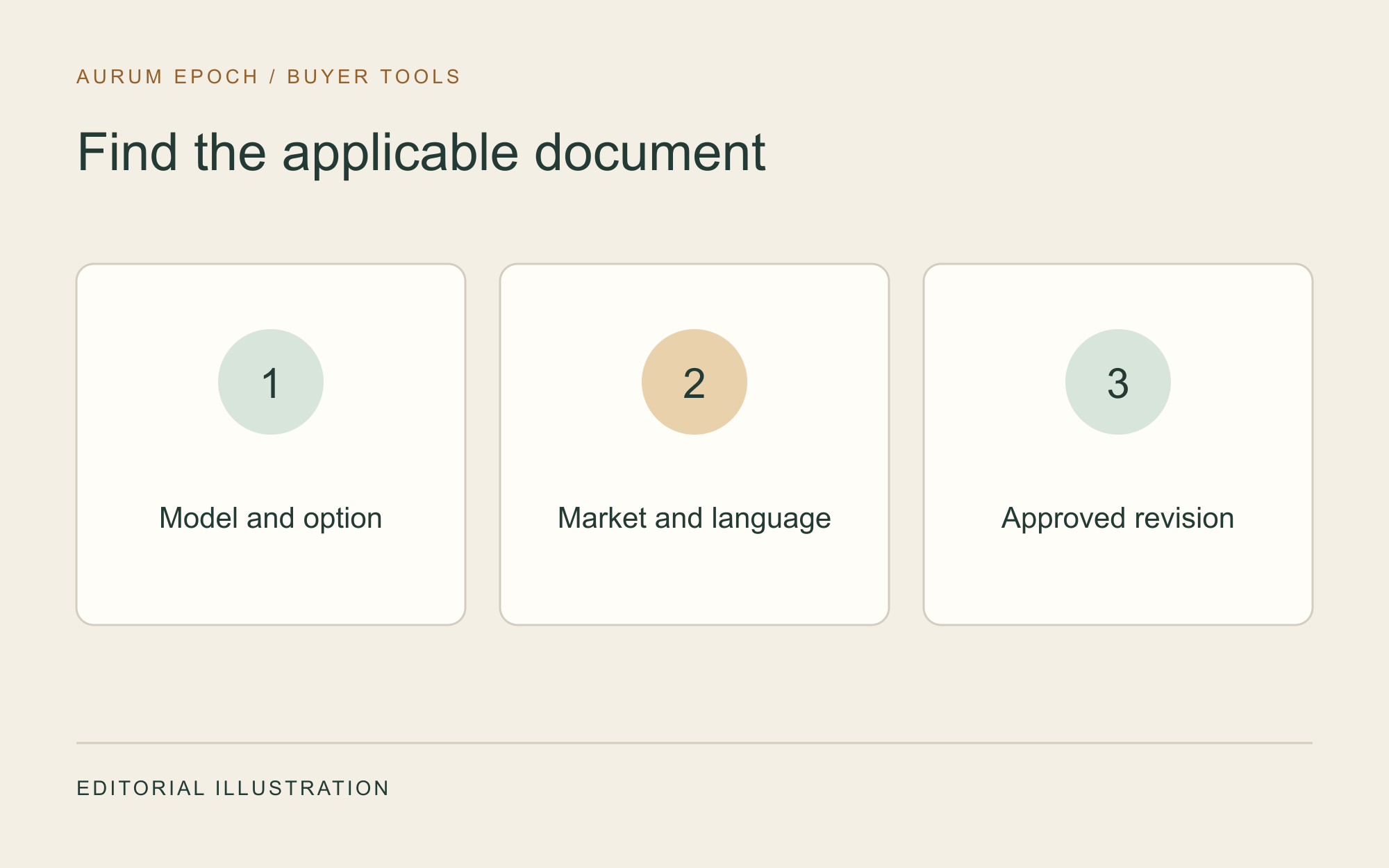
Ask what a distributor needs to retrieve during a real task. A colleague preparing a customer handover needs the instructions for the exact delivered configuration, language and market. A salesperson needs the currently approved files for the offer they are preparing. Create a search view that combines these fields and lists only records appropriate to the requested audience. Store a stable document identifier alongside the revision so a later search can distinguish the current edition from the version used in an earlier delivery.
02 / Buying guide
Capture the source and scope at intake
Record who supplied the file, the source reference and the date it arrived. Keep the supplied file in a controlled intake area and assign a reviewer. Check the model identifier, variant, language, intended audience and version against the supporting records. Record where each match was established. If a file names only a family of products, hold it for scope clarification and list the configurations still unresolved. The reviewer can add a verified applicability record after receiving evidence for the exact models covered.
03 / Buying guide
Separate work, sales and delivery views
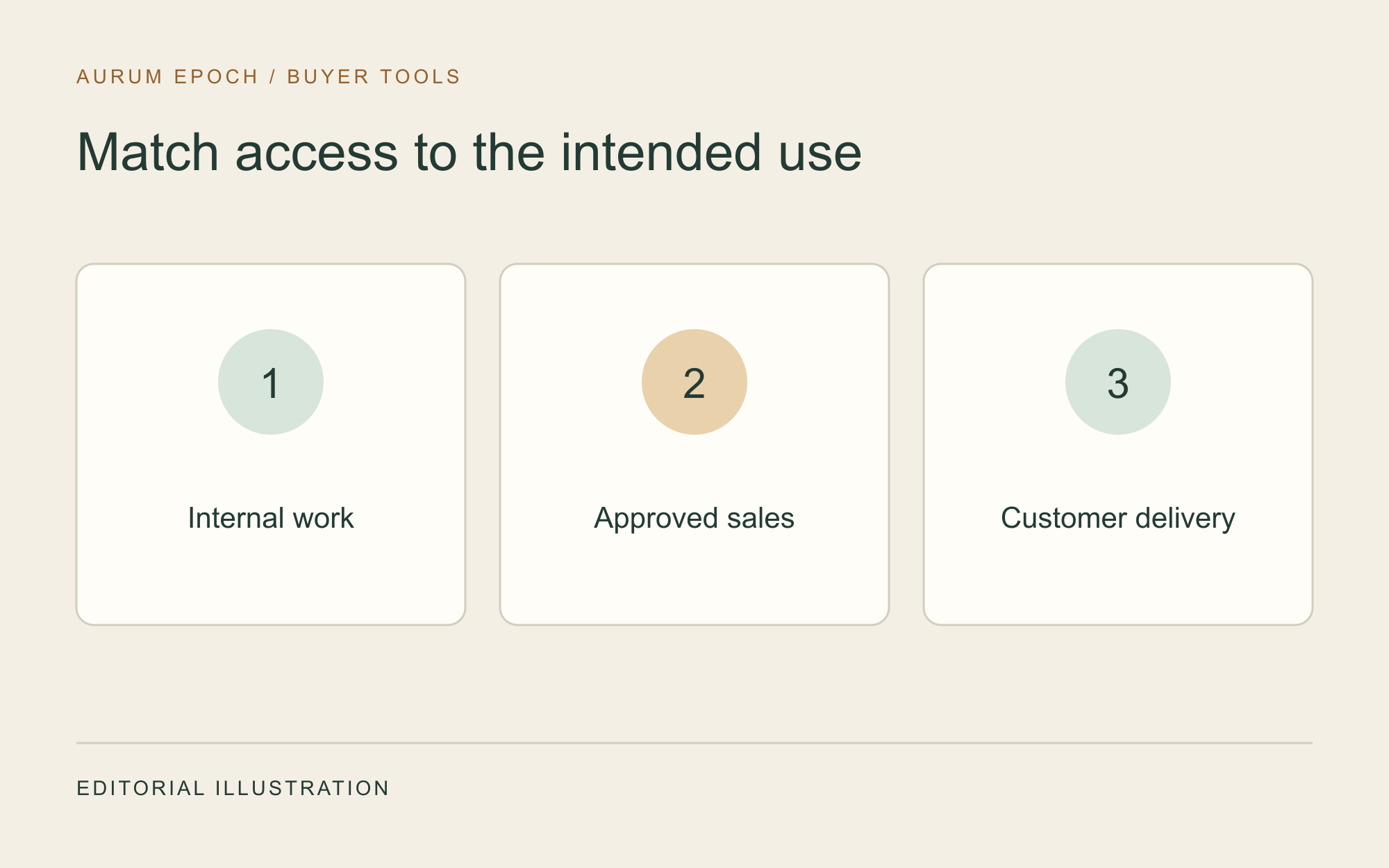
Give each file a purpose and permission scope. Working material can contain notes, unresolved questions or supplier material that the team may consult internally. A sales copy needs authorization for the intended audience, market and channel. A customer delivery copy needs the correct revision for the documented order and permission for that handover. Use actual access controls on the files and links. Test the result as a recipient with ordinary permissions, and keep internal comments and evidence references out of distributed copies.
04 / Buying guide
Approve and index each revision
Assign a named owner to maintain the record and a reviewer to approve the intended use. Store the approval decision, scope, date and supporting reference beside the revision. Use clear statuses such as pending, approved for a stated scope, superseded and withdrawn. Set the search view to find the applicable approved copy first. A version can be current for one market and superseded in another. Store these differences as separate applicability entries with their own decisions so a single global status does not obscure the local record.
05 / Buying guide
Replace and withdraw with a distribution record
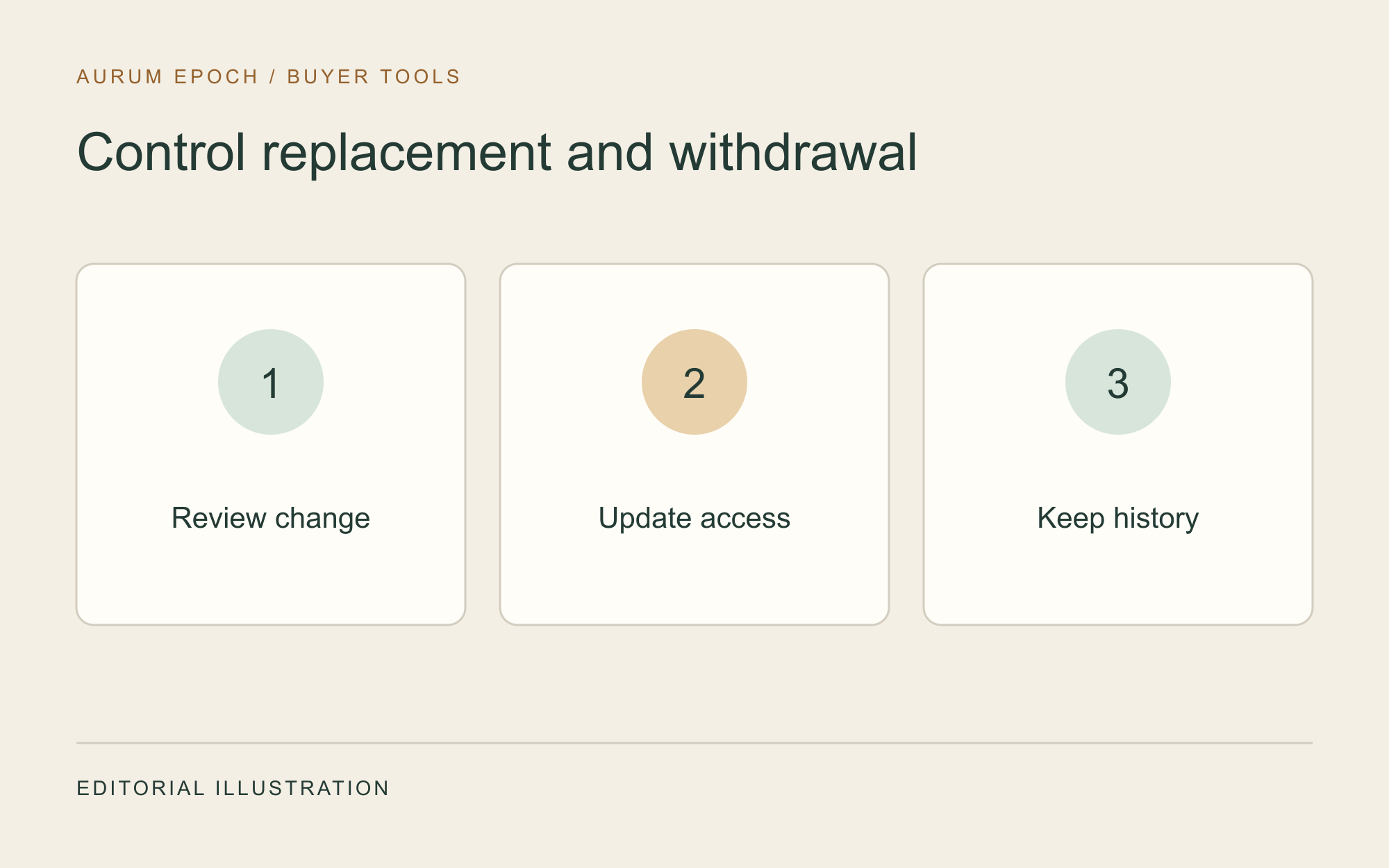
When a revision arrives, compare it with the approved edition and list affected markets, languages, channels and delivery packets. Review the replacement before changing the active link. Retain the prior version and its approval history under restricted access. If permission expires or the scope is found to be wrong, withdraw the affected public or shared links and inform responsible teams. Record which recipients received the earlier revision, the correction route and the date of action. Copies already downloaded may need direct follow-up.
06 / Buying guide
Exercise the library with real retrieval tasks
Periodically ask another team member to retrieve the file for a particular model, configuration, market and language. Check whether they find the right approved revision, can tell what it may be used for, and can trace it to the source. Include a case involving a superseded or withdrawn document. If the exercise surfaces stale links or missing ownership, log the gap and assign a follow-up date. Keep a short change history so teams can reconstruct what was available at the time of a sale or delivery.
Comparison visual
Separate the three document audiences
Internal working files
Intake, drafts and supporting evidence
Limit to the relevant working team
Approved sales files
Market and channel versions cleared for sales use
Release only within recorded permission
Customer delivery files
Revision applicable to the confirmed order
Record what was delivered and to whom
Decision flow
Maintain the library after release
- 01
Receive
Capture source and exact file revision.
- 02
Verify
Check identity, applicability and permission.
- 03
Index
Approve the use and record searchable fields.
- 04
Replace
Review the impact and preserve previous revisions.
- 05
Withdraw
Remove affected access and log follow-up.
Practical table
Reusable documentation register
Each checklist row shows every comparison field.
| Record | Fields to enter | Review question |
|---|---|---|
| Identity | Document ID, title, model and configuration | Which equipment does it cover? |
| Applicability | Market, language, purpose and channel | Where can the file be used? |
| Source | Supplier reference, receipt date and revision | Can the source be traced? |
| Approval | Owner, reviewer, decision date, scope and expiry | Who authorized this use? |
| Lifecycle | Status, successor, distribution and withdrawal date | Who needs an updated copy? |
Buyer FAQ
Frequently asked questions
Can I reuse one manual for several configurations?
Create separate applicability entries for each covered configuration and market. Use the shared file where evidence confirms the scope and permission.
How can I make the current version easy to find?
Filter the active view by model, configuration, market, language, audience and approval. Keep superseded copies in a separate controlled history.
What should happen when a file is withdrawn?
Remove access within the affected scope, record the reason, and identify published links and recipients that need follow-up. Retain the historical approval and distribution record.
Source notes
References and further reading
External references provide general regulatory or industry context; they do not establish approval of a listed product. Accessed 5 November 2026.
Prepare an equipment inquiry
Share your model scope, markets, languages and a summary of the document index you already use.
Request a quotation →