
TL;DR · Direct answer
The buying decision in brief
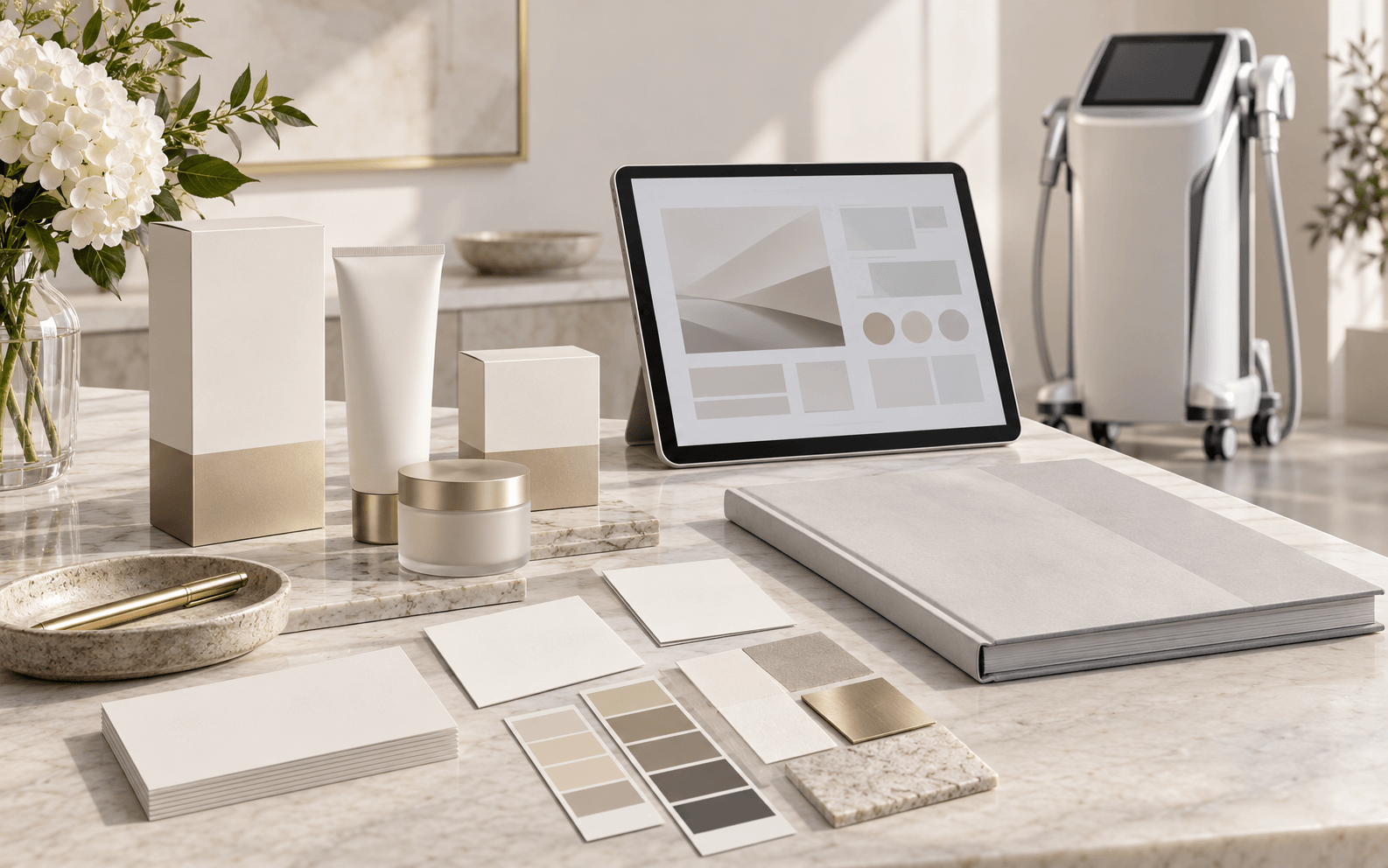
A private-label beauty equipment branding checklist should connect each buyer-owned brand asset to one exact model, configuration, target market and file version. Track device appearance, packaging, labels, manuals, interface text and product images as separate approval items, with a named source, reviewer, date and open question. Artwork approval does not establish product identity, configuration approval, trademark clearance or market authorization.
01 / Buying guide
Set the model and market baseline before approving a brand detail
Start with the commercial candidate rather than the logo. Record the exact model or supplier reference, proposed configuration, version where provided, quotation date, quantity, buyer brand and intended destination market. This baseline keeps a design decision attached to the equipment and offer it is meant to cover. If the proposed model or configuration changes, open a new version or candidate instead of carrying forward the old approval by assumption.
Clarify who supplied each asset and who is authorized to approve its use. A buyer may own the logo while another party owns a particular layout, photograph, interface element or packaging template. Keep permission and source information beside the file. A visual mark or a supplier’s willingness to print it does not establish trademark rights, legal manufacturer status, product identity or destination-market compliance.
- Baseline model/reference and configuration
- Buyer brand and target market
- Quotation or project version and review date
- Asset owner/source and permission status
- Decision owner and unresolved questions

02 / Buying guide
Build one register for every brand asset and product surface
Use a separate row for the device body mark, screen or startup graphic, user-interface wording, label, manual, package, product image and sales copy. These items can be supplied by different parties and can carry different versions. Record the file reference, source/owner, revision, language, intended placement, exact model/configuration scope, target market, reviewer, decision date and downstream file that must agree with it.
Keep supplied assets, draft layouts, digital proofs and approved production references distinguishable. Give reviewers the version under review and preserve the prior version when replacing it. Do not rename an old file as “final” to imply approval; use a dated decision entry and identify the specific artwork or document reviewed. A brand asset approved for one model, color or market is not automatically approved for another.
03 / Buying guide
Separate artwork, product, sample and market approval gates
A buyer can approve the spelling, size or placement of a logo without approving the device identity or configuration. A digital proof cannot show every physical finish or packaging condition. A sample review can concern visible appearance while leaving a label, manual, interface language or destination-market question unresolved. Keep these decisions in separate fields so one “approved” status does not silently close every gate.
Where a product or activity falls within a market’s medical-device rules, the responsible parties must determine the applicable labeling and quality requirements for that exact product and role. FDA labeling material, for example, discusses controlled labeling and change review within its US medical-device scope. WIPO’s SME trademark guide offers general mark-management education. Neither source decides whether a specific beauty equipment model is regulated, clears a buyer’s mark, or confirms that any Aurum Epoch branding option is available.
- Brand-asset permission and source
- Artwork proof and placement decision
- Exact model/configuration identity
- Physical sample or appearance decision, if applicable
- Label/manual and destination-market review by responsible parties
04 / Buying guide
Reopen dependent records when the model, market or artwork changes
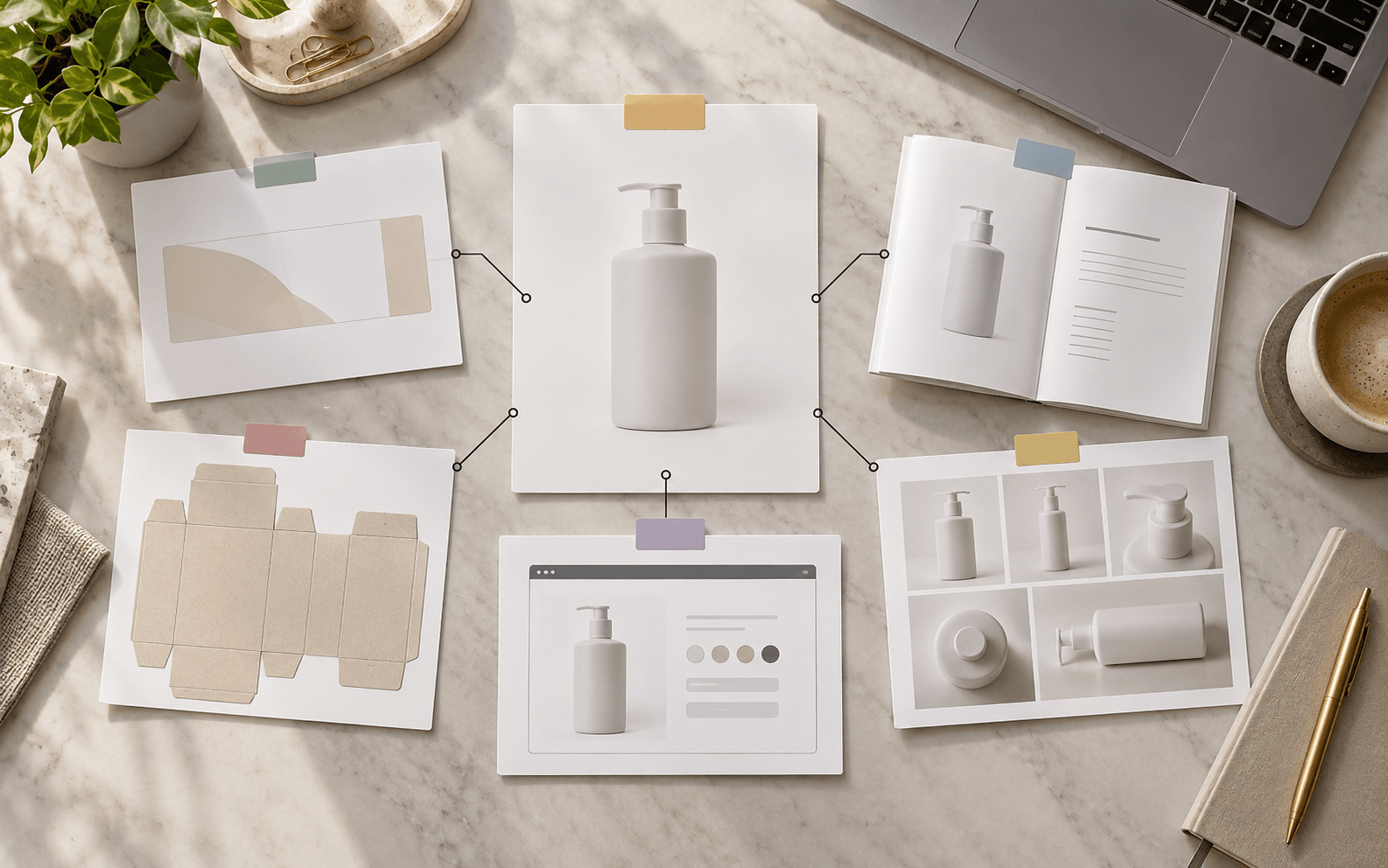
Treat a changed logo file, color reference, screen wording, model, module, language, claim, label holder or destination as a review trigger. Compare prior and proposed versions, then list the affected quotation, product image, label, manual, package, interface, training material, parts or support file. Some rows may remain unchanged, but record that review explicitly with an owner and source.
Do not silently update a PDF or image that other teams use. Mark superseded references, identify which copy controls the current project and assign each open dependency to a person or organization. If a change affects product design, intended use or market-facing wording, seek the responsible technical and qualified regulatory review before treating the project file as ready.
05 / Buying guide
Release a bounded brand file with open items visible
Before a buyer uses project materials for ordering or launch, create a dated index that names the exact model/configuration, market, brand assets, current versions, approved gates, decision owners and unresolved items. A usable release record makes clear what was reviewed and what still needs confirmation; it does not certify the equipment, establish trademark clearance or promise a supplier service.
Send a focused request when details remain open: identify the baseline model, market, buyer-supplied brand files, requested surfaces and the evidence or decision needed from each responsible party. Keep availability, minimum quantities, costs, timing and deliverables as written questions for the specific project rather than assumed features of a general private-label offer.
06 / Buying guide
Make every brand or configuration change traceable
Open a new change row when a buyer supplies a revised logo, package layout, label text, manual translation, interface string, product image, model, module or destination market. Capture the old and proposed file names, source and permission reference, version, date received, exact model/configuration, intended surface, target market, reviewer and the decision that is waiting. This creates a clear comparison between what was previously considered and what is now proposed.
Then identify which downstream records depend on the change: quotation and itemized scope, product image, package, label, manual, interface, training material, parts or support file. Assign each dependency to a named owner and mark it confirmed, reopened or not applicable with a reason. A change-impact record keeps artwork review separate from technical identity, commercial acceptance and market-specific assessment; it does not promise that the requested work is available or approved.
Comparison visual
What each private-label approval can and cannot establish
Brand asset
Source, owner, file version and permission record
Trademark clearance or right to use every element
Digital artwork proof
Visible wording, placement and version reviewed
Physical appearance, model identity or market compliance
Sample review
The specific sample and visual points checked
Approval of another configuration or every document
Label/manual review
Named file, scope, language, version and reviewer
Regulatory suitability outside the stated product and market scope
Project release index
Current baseline, closed gates and open actions
Availability, production approval or supplier commitment
Decision flow
Move brand assets through separate review gates
- 01
Baseline
Name one model, configuration, market, project version and decision owner.
- 02
Inventory
Log each asset, source, permission, file version and intended product surface.
- 03
Review
Review artwork, sample, label/manual and market questions as distinct gates.
- 04
Propagate
Reopen dependent files when model, market, wording or artwork changes.
- 05
Release
Date the bounded index and retain unresolved items with named owners.
Practical table
Reusable private-label brand asset register
Each checklist row shows every comparison field.
| Field | Record | Status / release question |
|---|---|---|
| Project baseline | Model/reference, configuration, market, quote/version and review date | Does approval cover the exact scope? |
| Asset source | Owner, supplier/designer source, permission evidence and original filename | Is the asset authorized for this use? |
| Device appearance | Logo/artwork version, placement reference, color request and reviewer | Is this only a visual decision? |
| Packaging | Package component, artwork version, language and target market | Has this exact proof been reviewed? |
| Label and manual | File/version, holder/source, model scope, language and reviewer | Are market requirements still open? |
| Interface and images | Text/language version, model/configuration pictured and source | Do they match the current quote? |
| Change impact | Old/new version, affected files, owners and written disposition | Have dependent records been reopened? |
| Final index | Approved gates, unresolved items, responsible party and date | Can another reviewer see what is and is not approved? |
Buyer FAQ
Frequently asked questions
Does approving a logo proof approve the equipment configuration?
No. A logo or artwork decision records a visual asset and placement. Confirm the model, configuration and included items separately against the current written offer and applicable product records.
Can the same private-label artwork be reused for every model and market?
Do not assume so. Record the exact model/configuration, surface, language and destination market for each file. Reopen the review when one of those changes or the asset source or permission is unclear.
Does adding a buyer brand make the buyer the legal manufacturer?
That depends on the product, market, roles and applicable law. This guide does not determine legal status. Ask qualified counsel or the responsible regulatory professional to assess the exact product and arrangement.
What should happen when a label or manual changes after artwork approval?
Create a new version, identify the reason and source, and review every dependent item. Keep the previous version and new written decision; an earlier artwork approval does not approve changed content.
Source notes
References and further reading
External references provide general regulatory or industry context; they do not establish approval of a listed product. Accessed 14 October 2026.
- FDA: Quality System Regulation labeling requirements ↗
- FDA: general device labeling requirements ↗
- WIPO: Making a Mark, trademark guide for SMEs ↗
- FQBeauty: private-label branding guide ↗
- Pmise: OEM/ODM buyer questions ↗
- Kelsy Sourcing: private-label packaging checklist ↗
- SHEFMON: OEM equipment and brand options ↗
Discuss a model-specific private-label project
Send the baseline model, configuration, target market, brand-asset source and requested project scope. Ask which changes are available for that exact configuration and which documents or reviews would remain open.
Request a quotation →