
TL;DR · Direct answer
The buying decision in brief
Build the plan from exact model/configuration and buyer records. Identify each item by a documented supplier reference or other controlled identifier, state its scope and revision, separate recurring consumables from replacement parts, and forecast only from actual usage or clearly labeled buyer assumptions. Record verified supply terms separately from availability questions; pause reorders when identity or compatibility is unclear. Visual similarity is not compatibility evidence.
01 / Buying guide
Start with the installed base and observed use
Build the first draft from the distributor’s own records: model/configuration, installed units, supplied component list, dated sales, buyer or service usage data where available, and current on-hand counts. Record the period and source for every usage value. If the distributor has no usage history, use an explicit planning assumption supplied by the buyer and show it separately from observed demand.
Keep the plan scoped to a target market and channel. A parts list for one configuration cannot automatically be reused for another. This is an inventory method, not a recommendation to stock any particular item or quantity.
02 / Buying guide
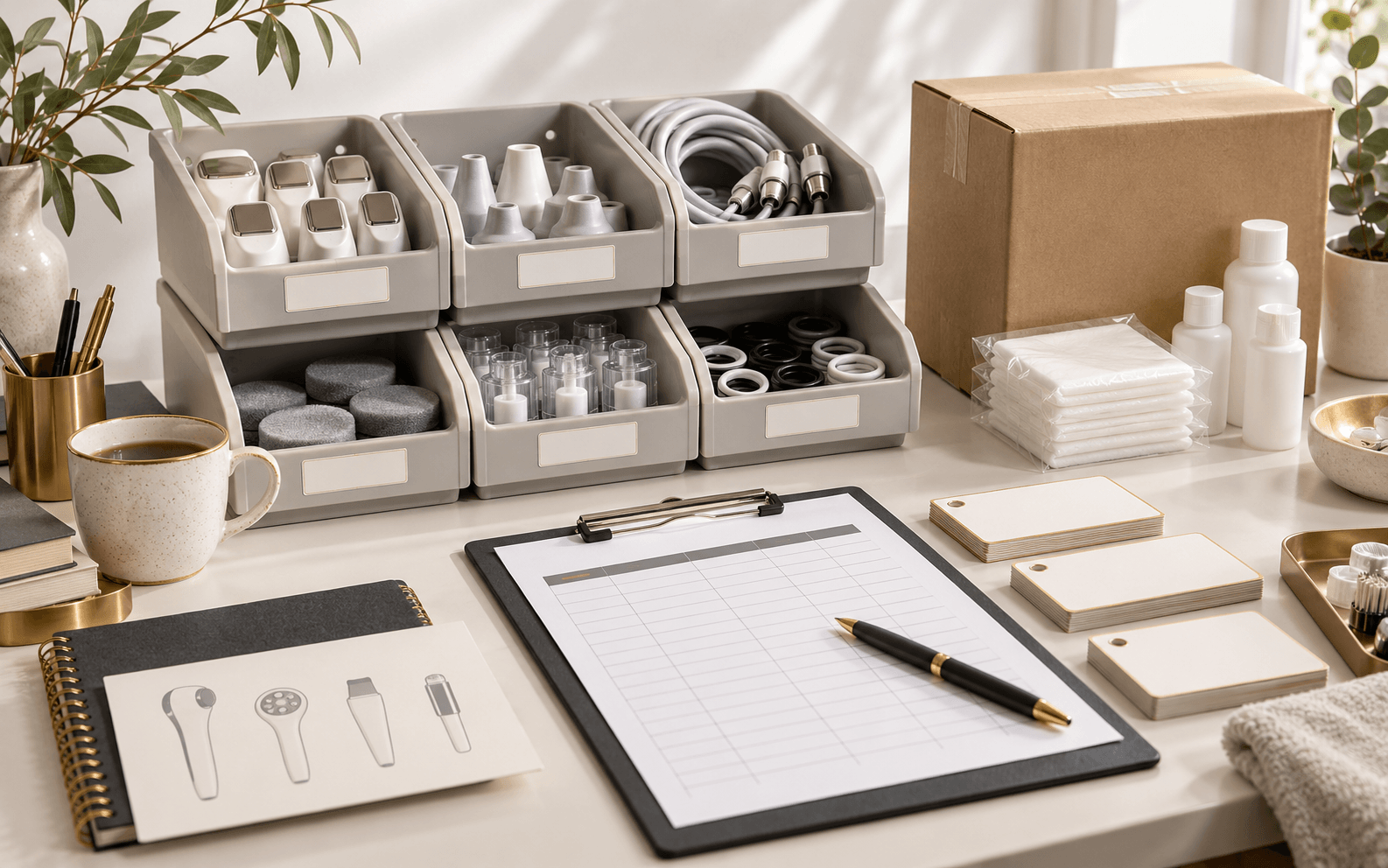
Separate consumables, replacement parts and accessories
Use categories to organize questions, not to infer a supplier’s product taxonomy. A recurring consumable may be used up or replaced in routine operation; a replacement part may restore a defined component; an accessory may be supplied with the system or added separately. Some items can fit more than one planning bucket, so preserve the source wording and ask the responsible party to confirm how an item is treated commercially and technically.
For each row, record the item name, supplier reference or part code when provided, source document, exact model/configuration scope, revision or serial/batch range if supplied, unit of measure, market, requested quantity and review status. If a reference is absent, mark it missing rather than inventing a part number.
- Routine consumable or wear item: record source and buyer usage basis
- Replacement part: record exact item reference and confirmed scope
- Accessory or tool: record whether included, optional or separately requested
- Unknown classification: hold for written clarification
03 / Buying guide
Require identity evidence before treating an item as compatible
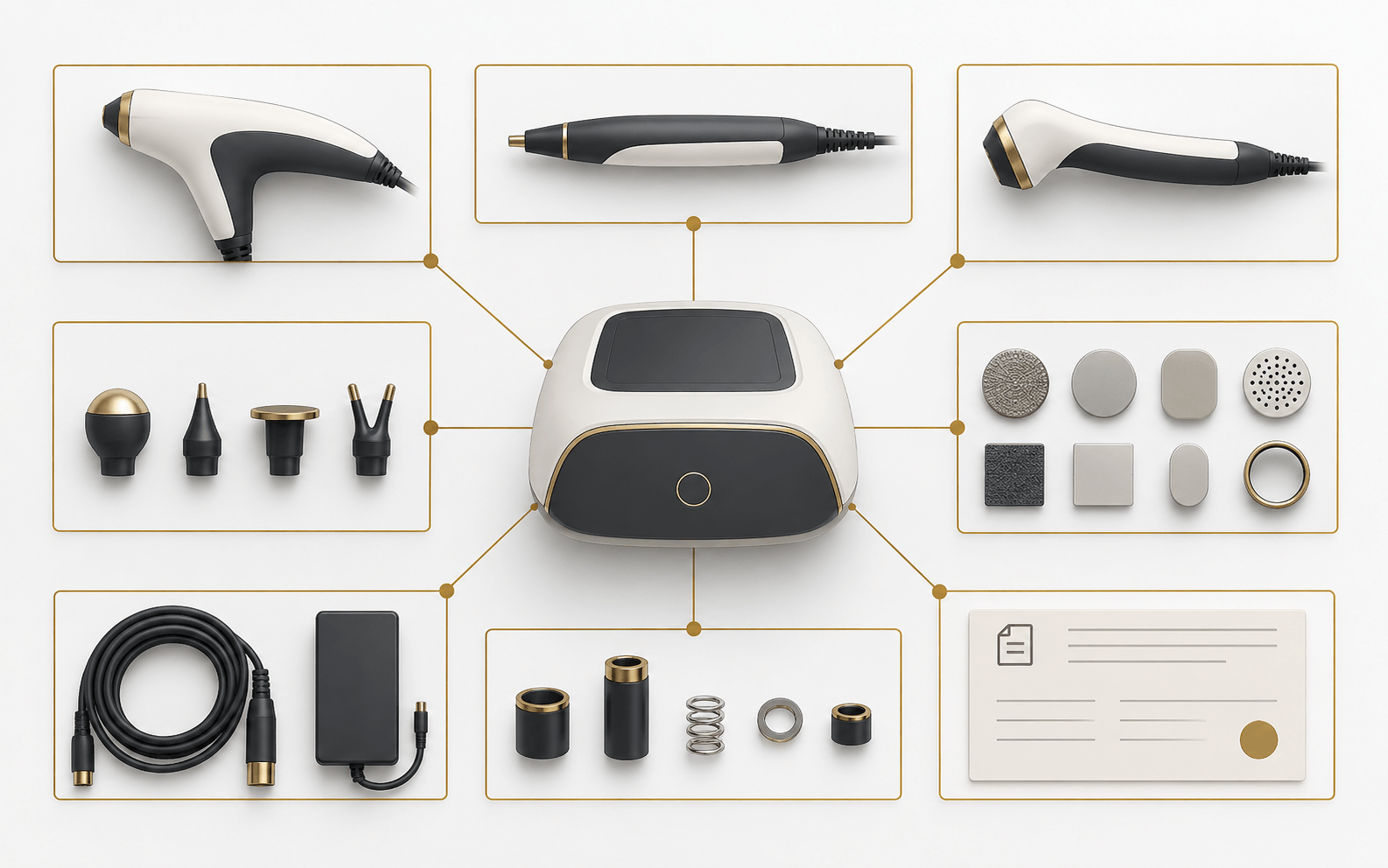
Match every component to a specific parent model and configuration. Capture which source confirms the relationship: current parts list, written supplier response, controlled manual or other applicable record. Where a hardware revision, software version, connector or serial range matters, include it only when the responsible source identifies it.
A similar shape, color, connector or family name is not proof of compatibility. A sample photo can help identify the question but cannot alone establish fit, electrical behavior, calibration, safety, intended use or warranty treatment. If the exact relationship is not documented, keep the row on hold and do not issue it as a substitute.
- Parent model and configuration
- Item identifier and source revision
- Scope or version range explicitly stated by the source
- Unresolved compatibility question and decision owner

04 / Buying guide
Set replenishment triggers from stated data and assumptions
For each item, record the buyer’s usage period, on-hand quantity, open purchase quantity, expected demand period, target coverage assumption and reorder trigger. Identify the person who approved the assumption. If a supplier has provided a current minimum order, lead time, price or discontinuation notice, link the dated source; otherwise leave the value pending instead of filling it from an industry average.
A distributor can compare reorder scenarios—observed use, a higher buyer-provided forecast and a lower-demand case—without presenting a forecast as a supplier commitment. Review the plan when installed-base size, actual consumption, configuration mix, target market or source terms change. Avoid a universal safety-stock number: the appropriate decision depends on buyer records, commercial constraints and risk tolerance.
05 / Buying guide
Reopen affected rows when models or parts change
Trigger a review after a revised quote, substituted configuration, new module or handpiece, changed item reference, supplier notice, market change, inventory adjustment or field issue. Compare the old and proposed records and identify which compatibility evidence, usage assumption, stock count, price, warranty question or order row needs a new decision.
Assign an owner and date to each open item. Keep “confirmed,” “buyer assumption,” “pending supplier confirmation,” “not applicable” and “hold” distinct. The record should let a later teammate see why an item was ordered and what evidence supported its model scope, without exposing private customer information publicly.
06 / Buying guide
Separate an inventory decision from a supplier commitment
A buyer may approve a reorder trigger before a supplier confirms current price, minimum order, availability, production time, dispatch estimate, warranty treatment or discontinuation terms. Keep those as separate fields with the source and validity date. Do not convert a previous quotation, another model’s order or a generic category page into current terms for this row.
If a required part has no confirmed reference or supply path, record the operational decision it blocks and who will ask for clarification. A plan can be useful while open items remain visible; an unverified availability statement should never be used as a promise to a downstream customer.
Comparison visual
Inventory categories need different evidence
Recurring consumable
Usage source, period, unit, model scope, stock on hand
Is this the exact item and unit of measure for the selected configuration?
Replacement part
Identifier, parent model/version, issue history, open quantity
What source confirms the item applies to this model and revision?
Accessory or tool
Included/optional status, quantity, storage location
Is this part of the accepted order or a separate request?
Unclassified item
Original description, source, image if available, owner
Who can identify and scope this item in writing?
Decision flow
From buyer records to a reviewed replenishment plan
- 01
Inventory
List models, configurations, installed units, item references and on-hand counts.
- 02
Validate
Check item identity and scope against dated source records.
- 03
Forecast
Separate measured use from buyer-provided assumptions and scenarios.
- 04
Decide
Set a buyer-approved review trigger; leave unconfirmed supply terms open.
- 05
Recheck
Reopen affected rows after a model, component, usage or source change.
Practical table
Reusable model-scoped parts and consumables register
Each checklist row shows every comparison field.
| Record field | Value / evidence source | Review status |
|---|---|---|
| Target market and distributor range | Market, channel and planning owner | Confirmed / pending / hold; date |
| Base model and configuration | Accepted quote, order or controlled model record | Exact scope / unresolved scope |
| Part or consumable identifier | Supplier code or source wording and revision | Verified / missing / pending |
| Compatibility evidence | Source naming model/version and applicable scope | Confirmed / pending / hold |
| Usage and stock | On-hand count, period, dated buyer records | Observed data / buyer assumption |
| Reorder decision | Buyer-approved trigger and target quantity | Approved / pending / not set |
| Commercial supply terms | Written current quotation or supplier response | Confirmed / pending; validity date |
| Owner and next review | Named role, review date and unresolved item | Open / closed with written disposition |
Buyer FAQ
Frequently asked questions
How many spare parts should a distributor keep?
There is no universal quantity in this guide. Start with buyer-held installed-base and usage records, state any forecast assumptions, and have the responsible buyer approve the reorder trigger against confirmed commercial terms.
Can I treat a similar-looking handpiece or connector as compatible?
No. Visual similarity or a matching connector does not establish compatibility. Require a dated source that identifies the exact parent model/configuration and any relevant version scope.
Should consumables and warranty replacement parts use one inventory line?
Keep them separate until the responsible commercial source confirms their identity, classification and treatment. A part list does not establish warranty coverage, included quantity or free replacement.
What should I do when the supplier has not confirmed lead time or availability?
Mark the field pending, identify the source and owner, and do not use an estimate as a commitment. Revisit the reorder decision when written terms are available.
Source notes
References and further reading
External references provide general regulatory or industry context; they do not establish approval of a listed product. Accessed 15 October 2026.
- WHO: Introduction to medical equipment inventory management ↗
- WHO: Inventory and maintenance management information system for medical device ↗
- WHO: Medical equipment maintenance programme overview ↗
- SHEFMON: Long-term supply of handpieces, consumables and accessories ↗
- FQBeauty: Spare Parts, Training and After-Sales Planning ↗
- SHEFMON: Distributor After-Sales Support System ↗
- Asia Pacific Beauty Group: Supplier Evaluation Framework ↗
Build a parts plan around your target range
Bring baseline models and configurations, target market, current parts list and buyer-held usage or inventory records to a quotation request. Ask the responsible parties to confirm item scope and any open supply terms in writing.
Request a quotation →