
TL;DR
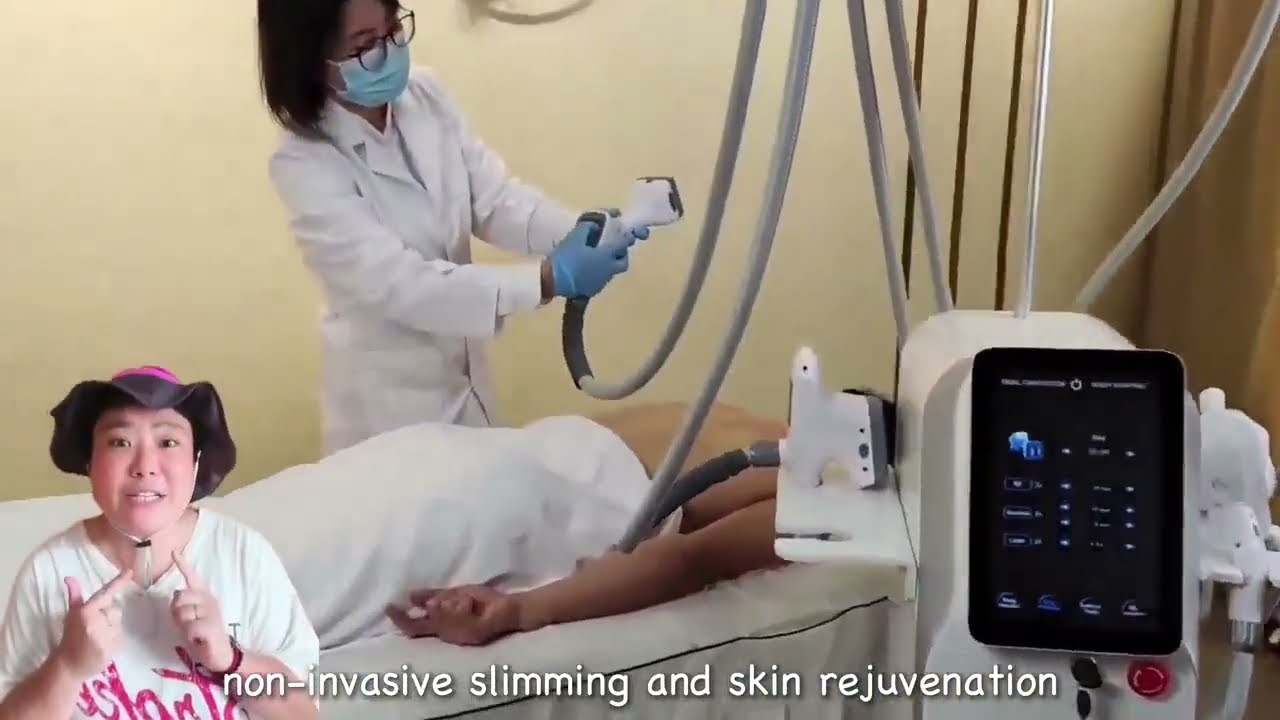
- The video presents a floor-standing system with a display and several connected handpieces.
- Watch the cabinet layout and applicator demonstration before comparing configurations.
- Vortex-VLP6 and Vortex-VLV3 are related catalogue options for vacuum/RF equipment research.
- Review the model tables, then prepare a configuration-specific quotation brief.
Direct answer
What can buyers learn from a vacuum RF equipment walkthrough?
A vacuum RF equipment walkthrough helps buyers see the cabinet format, display position, handpiece arrangement and how an applicator is presented. Use those visual details to build a short list of configuration questions. For a purchasing comparison, pair the video with the related model pages and their published technology, applicator and electrical information, then request the exact bundle you want quoted.
Watch the cabinet and applicator arrangement
The footage moves between wider cabinet views and closer views of the display and connected applicators. Pay attention to hose routing, storage positions and the relationship between the main console and handpieces. These are useful visual questions for a clinic room or distributor presentation.
Use the module and handpiece mapping guide to turn those observations into a written list. Record the base unit, each requested applicator and the role of each item rather than comparing machines solely by cabinet shape.
Choose the comparison by equipment format
The related Vortex catalogue includes a desktop vacuum-roller/RF format and a vertical V9+V10 format. Compare the listed technologies and applicators on each product page before deciding which deserves a quotation. The specifications below belong to those named catalogue models.
A useful buying brief connects a format to a real site or distribution requirement: room layout, handpiece storage, the requested function set and the people who will receive the equipment. The clinic room-readiness checklist helps organize those questions.
Explore similar options
Related Products
The named catalogue models below are related options for comparison. Open each product page for its own configuration and current product information.
 Body contouring
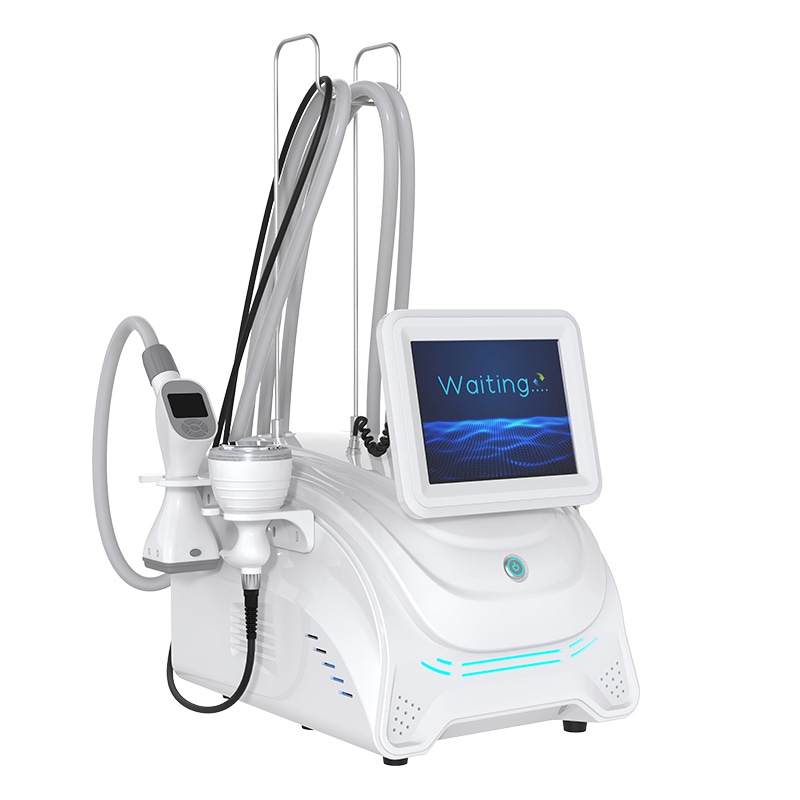
Vortex-VLP6
Desktop Vacuum Roller and RF Platform
View model & specifications →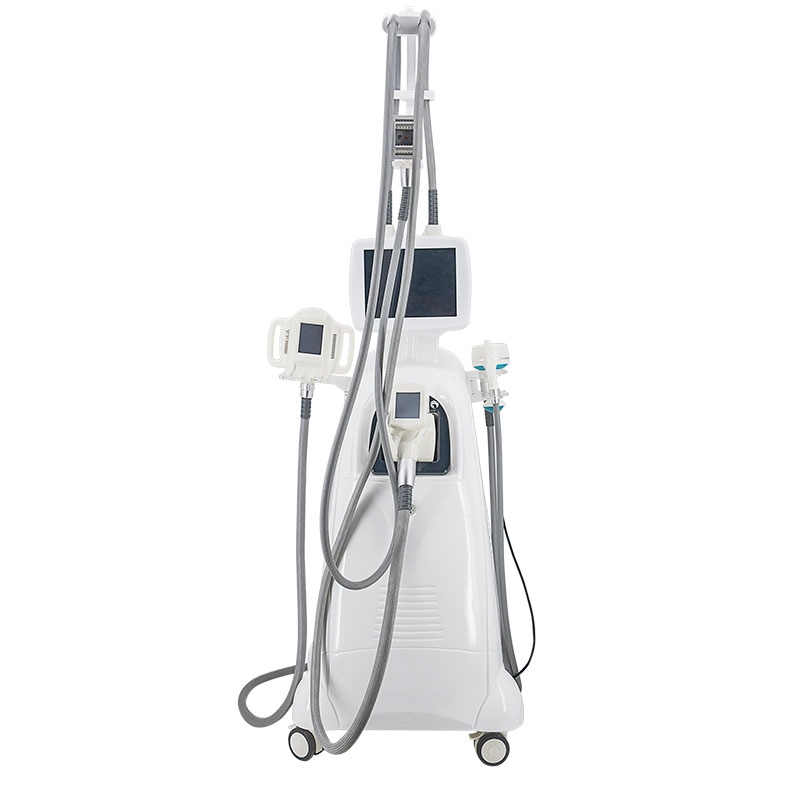 Body contouring
Vortex-VLV3
V9+V10 Vacuum Roller Body Platform
View model & specifications →Explore the body contouring catalogue for more options.
Product-page data
Technical specifications for the related catalogue models
These values belong to the model named in each row. The linked product page provides the full specification context.
| Catalogue model | Specification | Published value |
|---|---|---|
| Vortex-VLP6 | Technologies | Vacuum, rollers, bipolar RF, cavitation and 940 nm infrared laser |
| Vortex-VLP6 | Handles | 5 specialized handles |
| Vortex-VLP6 | RF frequency | 1 MHz |
| Vortex-VLP6 | Roller speed | 0–36 rpm |
| Vortex-VLP6 | Laser wavelength | 940 nm |
| Vortex-VLV3 | Supply | 220 V 50 Hz / 110 V 60 Hz |
| Vortex-VLV3 | Display | 10.4 inch |
| Vortex-VLV3 | Pressure output | 80 KPa |
| Vortex-VLV3 | RF frequency | 5 MHz |
| Vortex-VLV3 | Cavitation frequency | 40 kHz |
Compare related vacuum-roller configurations
| Selection point | Vortex-VLP6 | Vortex-VLV3 |
|---|---|---|
| Technology configuration | Vacuum, rollers, bipolar RF, cavitation and 940 nm infrared laser | Vacuum + mechanical rolling + RF + laser + ultrasound |
| Applicator listing | 5 specialized handles | 40K, large roller, medium roller, integrated, facial vacuum and eye vacuum |
| RF frequency | 1 MHz | 5 MHz |
| Laser wavelength | 940 nm | 640 nm |
From a video walkthrough to a comparable offer
- 01
Watch
Note the format, display and applicator arrangement.
- 02
Compare
Open the related model pages and compare listed configurations.
- 03
Define
Specify the model, handpieces, electrical version and market.
- 04
Request
Send quantity and configuration questions with your quote brief.
Build a brief around the configuration you need
For a clinic, connect the proposed format to the room and receiving plan. For a distributor, record which buyer need the candidate addresses and which handpieces are part of the proposed offer. The buyer-needs assessment is useful before you add a candidate to a range.
Then use the equipment quote comparison guide to separate the base unit, applicators, accessories and requested services into comparable rows.
Frequently asked questions
What does this vacuum RF equipment video show?
It shows a floor-standing cabinet, display, connected handpieces and an applicator demonstration. It is useful for visual equipment discovery and preparing configuration questions.
Which related catalogue models can I compare?
Start with Vortex-VLP6 and Vortex-VLV3. Each has its own product page, applicator listing and published specifications.
How do I compare desktop and vertical formats?
Compare the published technology and applicator lists, then add your room, storage and receiving requirements to the same model-specific brief.
Are the specification tables tied to the named models?
Yes. Every row identifies the related catalogue model and links to its product page.
What should I send for a configuration-specific quote?
Send the model, requested applicators, quantity, destination market, electrical version and any packaging or handover requirements.
Related videos and buying guides
 Product showcase
Body contouring
360° Cryolipolysis Equipment Showcase
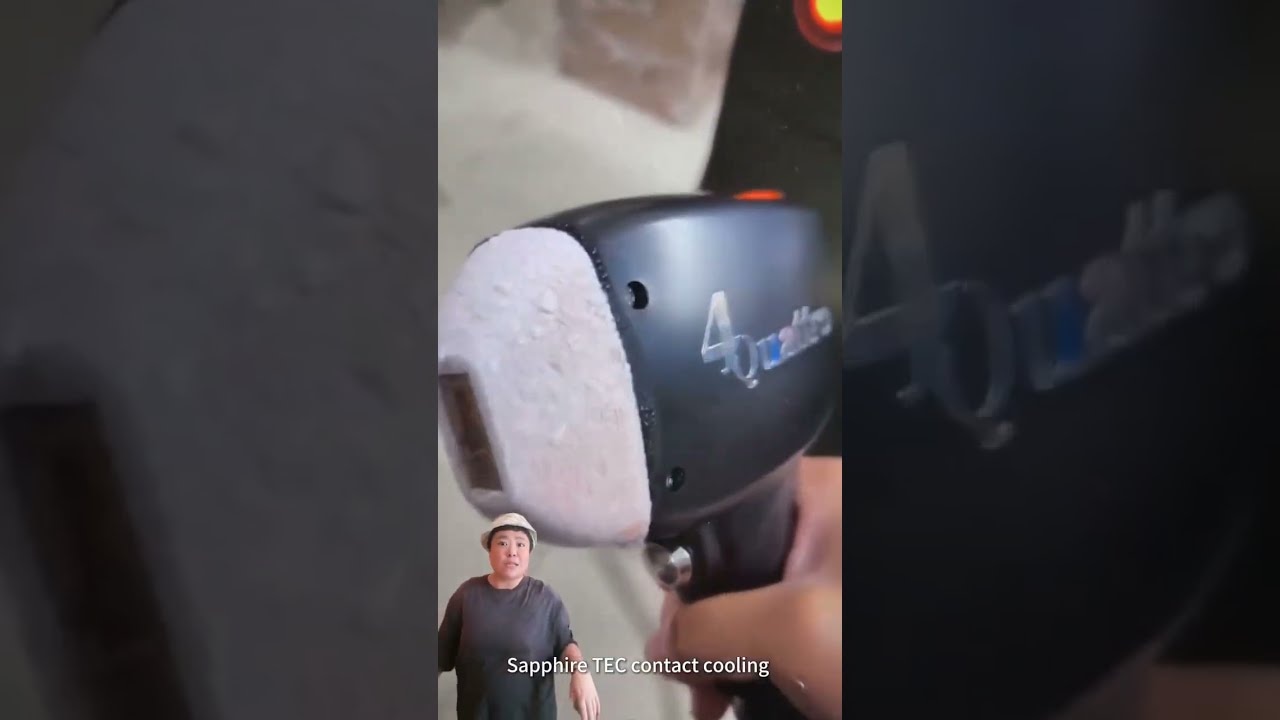
Watch a cryolipolysis cabinet and applicator showcase, then compare related Vortex models, handle configurations, displays and published technical data.
 Product showcase
Photon & laser
Diode Laser Handpiece and Equipment Showcase
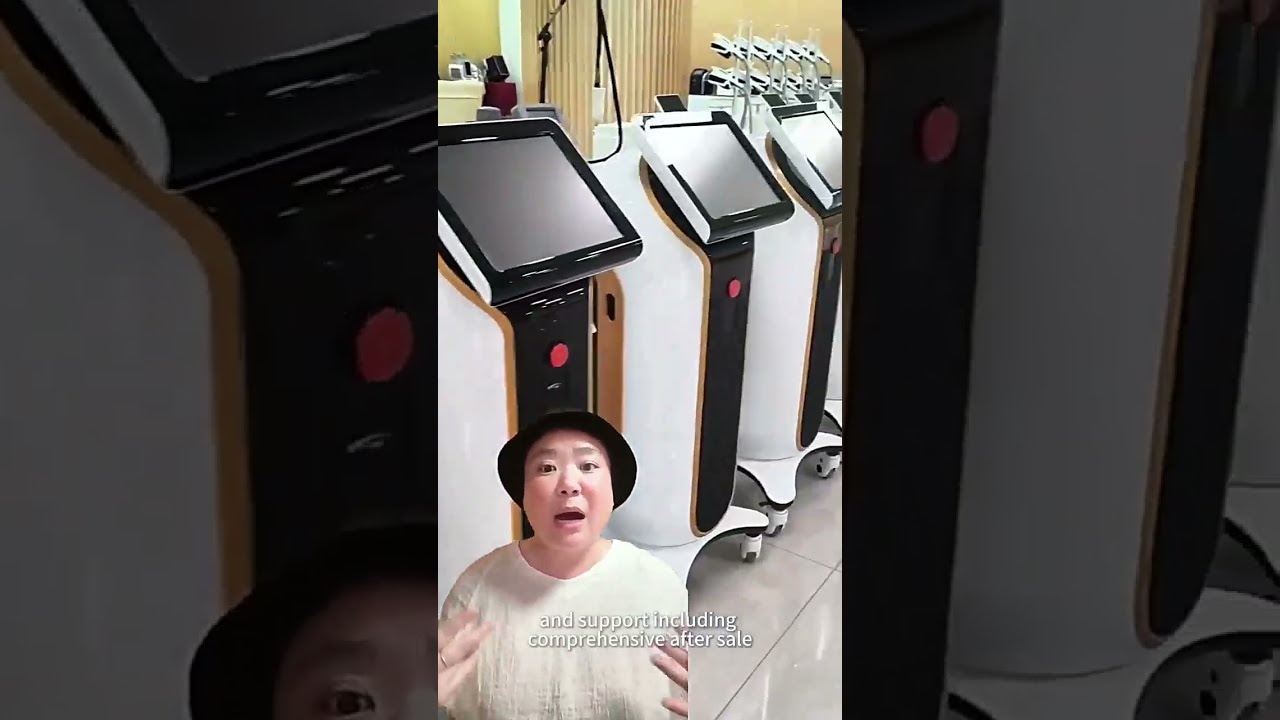
Watch diode laser handpiece and cabinet views, then compare related Photon models by wavelength, spot size, pulse width and configuration for your buying brief.
 Company overview
Company & equipment range
Beauty Equipment Range and Production-Floor Overview
Explore equipment cabinets, workstations and production-floor views, then browse related beauty equipment categories and prepare a model-specific supplier brief.
Compare the vacuum RF configurations for your project
Choose a candidate model and list your requested handpieces, quantity and destination market for the quotation discussion.
Technical References
- Schema.org VideoObject
- Google Video Structured Data Guidance
- FDA: Non-invasive body contouring technologies
Page prepared by Aurum Epoch Editorial Team.