
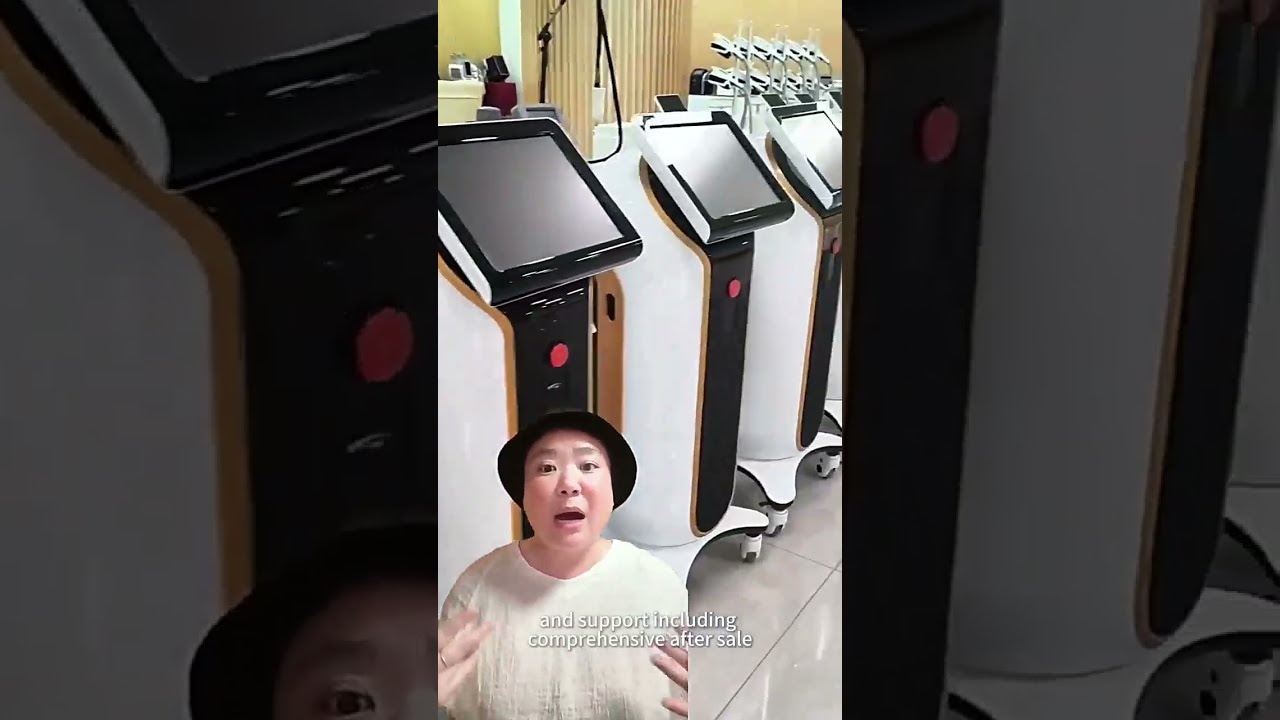
TL;DR
- The overview presents equipment cabinets, workstations and production-floor views.
- Browse three catalogue categories: anti-aging, photon/laser and body contouring.
- The linked models provide concrete starting points for category research.
- Move from a general introduction to an exact model and project brief.
Direct answer
How can buyers use an equipment-range overview?
Use an equipment-range overview to identify the categories and cabinet formats you want to investigate, then move to exact product records. A focused supplier brief should name the candidate models, configuration, target market, quantity and project scope. The linked catalogue examples and technical tables help turn a broad introduction into a practical equipment discussion.
Use the footage to orient the product discussion
The clip combines closer equipment views with wider shots of workstations and equipment rows. Rather than treating every cabinet as one product family, choose the category relevant to your buying task and continue into its named model pages.
A clinic may begin with the clinic equipment shortlist. A distributor can first record the actual buyer need with the clinic and medspa needs assessment, then decide which category deserves further comparison.
Take specific questions into the supplier conversation
For each candidate, ask which configuration is being discussed, which current specification applies and what the quotation includes. If a branding or product-development project is involved, describe its scope separately from a standard equipment inquiry.
Use the OEM/ODM project brief to organize requested logo, language, packaging or technical changes. The company page provides the site’s published company information for the wider conversation.
Explore similar options
Related Products
The named catalogue models below are related options for comparison. Open each product page for its own configuration and current product information.
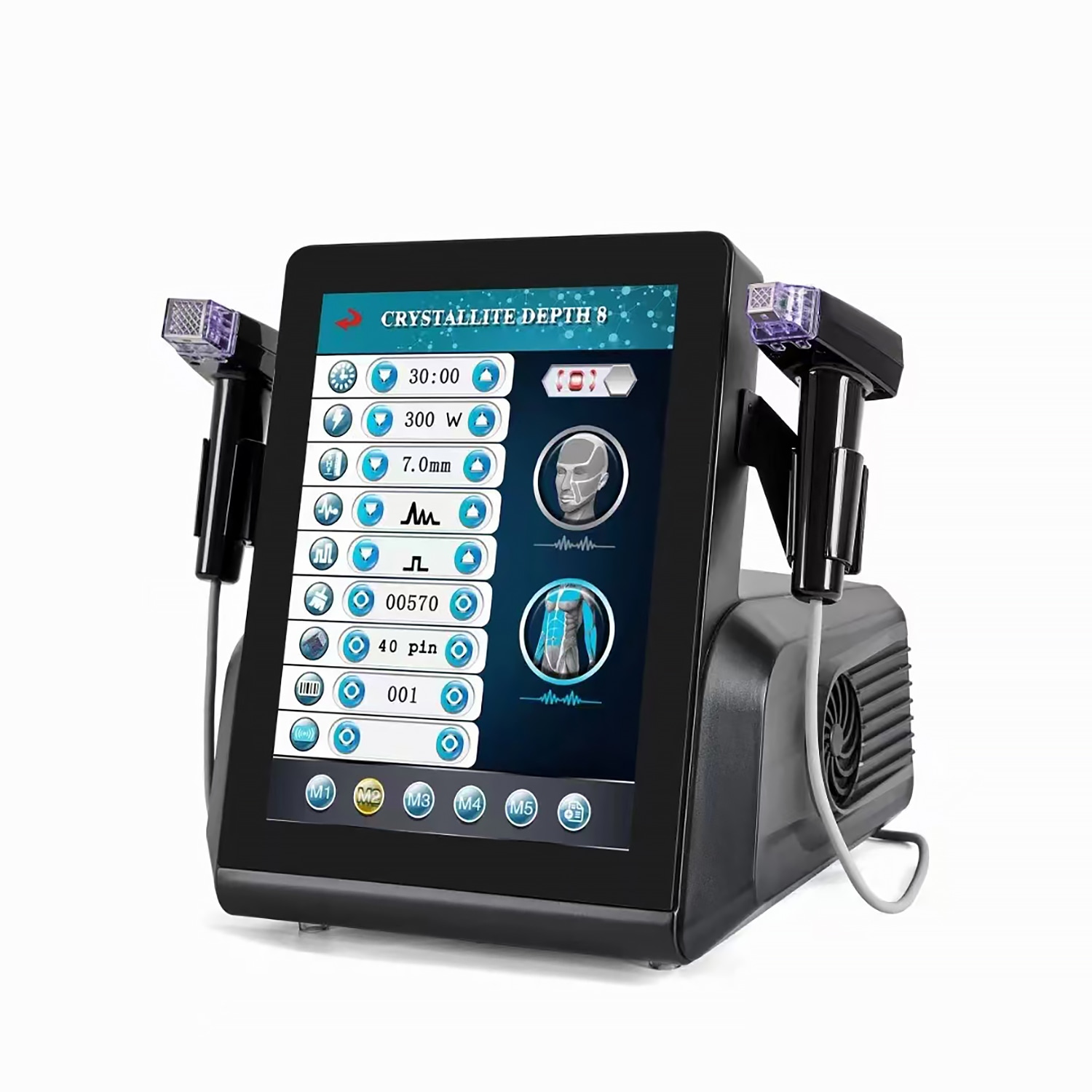 Anti-aging & skin management
Aurora-MED887
Gold RF Microneedling Platform
View model & specifications →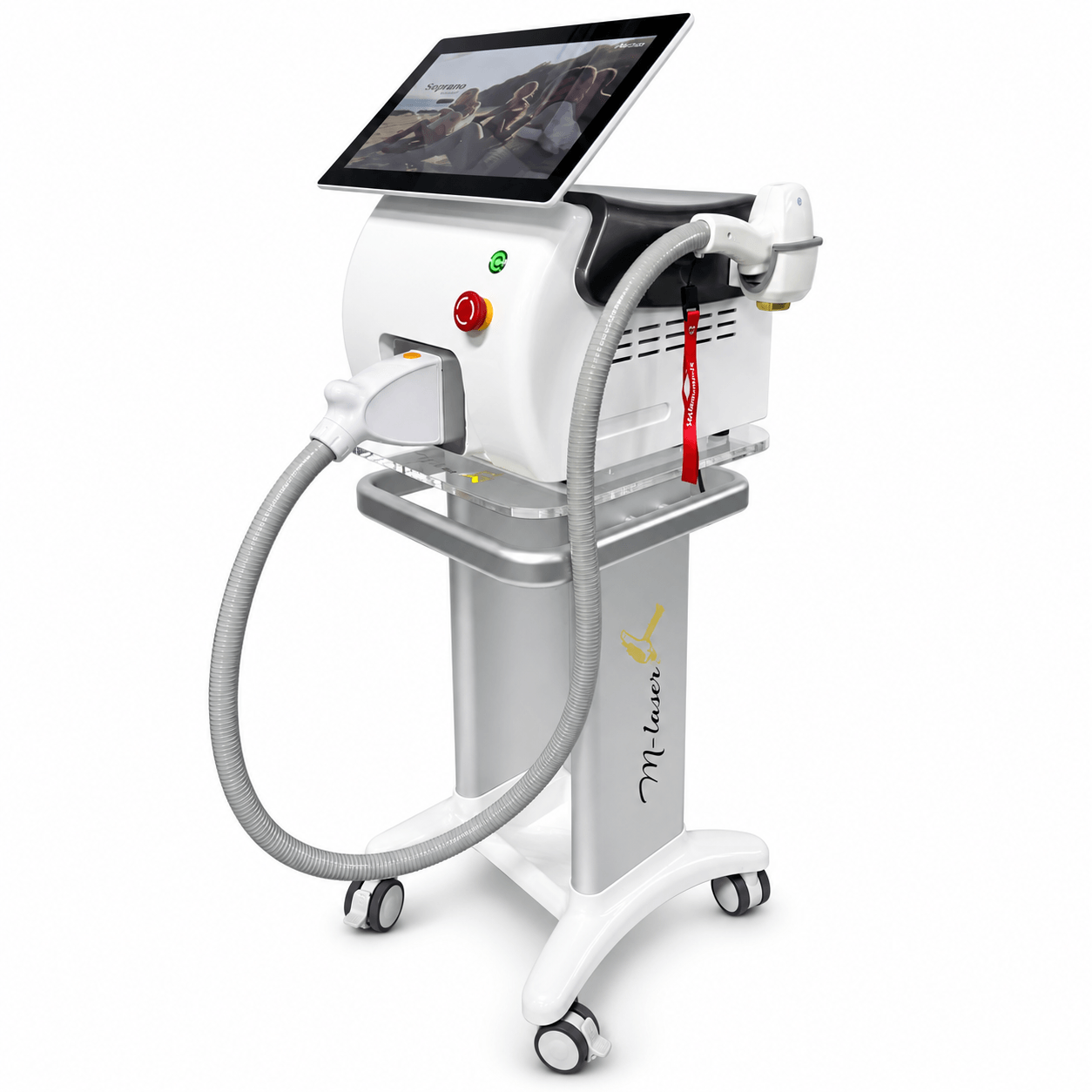 Photon & laser
Photon-PLD161
Diode Laser Platform
View model & specifications →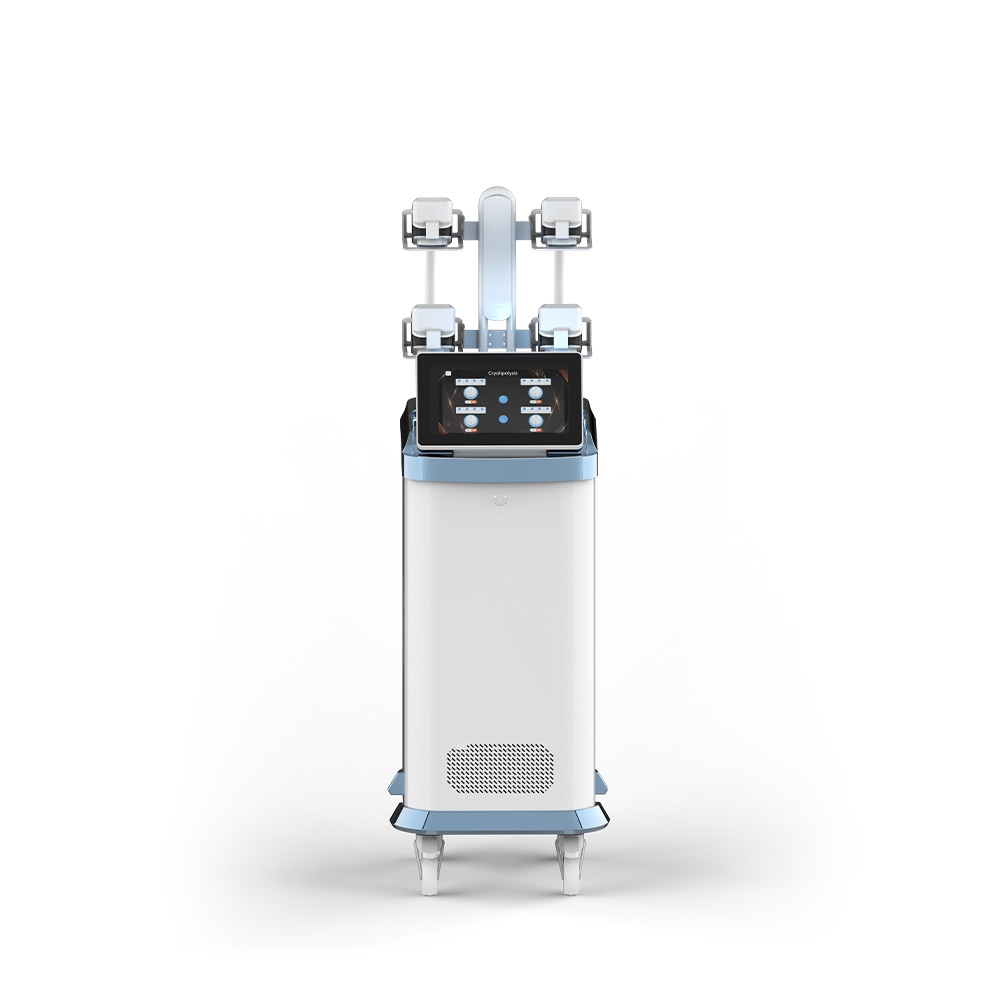 Body contouring
Vortex-Cro774
360-degree Cryolipolysis Platform
View model & specifications →Explore the company & equipment range catalogue for more options.
Product-page data
Technical specifications for the related catalogue models
These values belong to the model named in each row. The linked product page provides the full specification context.
| Catalogue model | Specification | Published value |
|---|---|---|
| Aurora-MED887 | Cartridge types | 6: 40P, 24P, 12P, Nano, No.5 and No.6 |
| Aurora-MED887 | Controls | Handle control buttons and foot pedal switch |
| Photon-PLD161 | Wavelengths | 755 / 808 / 1064 nm |
| Photon-PLD161 | Spot sizes | 15 × 15 / 15 × 20 / 15 × 30 / 15 × 40 mm |
| Vortex-Cro774 | Standard handles | 4 |
| Vortex-Cro774 | Main screen | 13.3-inch capacitive |
Choose the catalogue category for your next review
| Category | Catalogue example | Technology |
|---|---|---|
| Anti-aging & skin management | Aurora-MED887 | RF microneedling |
| Photon & laser | Photon-PLD161 | Diode laser |
| Body contouring | Vortex-Cro774 | Cryolipolysis |
From range discovery to a focused project
- 01
Explore
Identify the equipment category relevant to your buyer task.
- 02
Shortlist
Open named models and compare their own records.
- 03
Scope
List configuration, quantity, market and any project changes.
- 04
Discuss
Send a concise supplier or quotation brief.
Make the next discussion model-specific
A general introduction is most useful when it leads to a manageable set of questions. Choose the category, list candidate models and keep specification, configuration and commercial questions together. Avoid asking for a price against a category name alone.
For several candidates, use the professional RFQ template. It gives each response the same model, quantity, market and configuration fields, making the next comparison easier to follow.
Frequently asked questions
What appears in the production-floor overview?
The clip includes equipment cabinets, workstations and wider equipment-row views as part of a general range presentation.
Where can I explore the equipment categories?
Use the anti-aging, photon/laser and body-contouring catalogue categories linked on this page.
Which catalogue models are used as category examples?
Aurora-MED887, Photon-PLD161 and Vortex-Cro774 provide product-page starting points for RF microneedling, diode-laser and cryolipolysis research.
How should I prepare a private-label or OEM inquiry?
Name the baseline model, target market, quantity and requested branding, language, packaging or technical changes. The project-brief guide provides a reusable structure.
What is the next step after watching the overview?
Select the relevant category and candidate models, review their own product information and send a focused specification or quotation request.
Related videos and buying guides
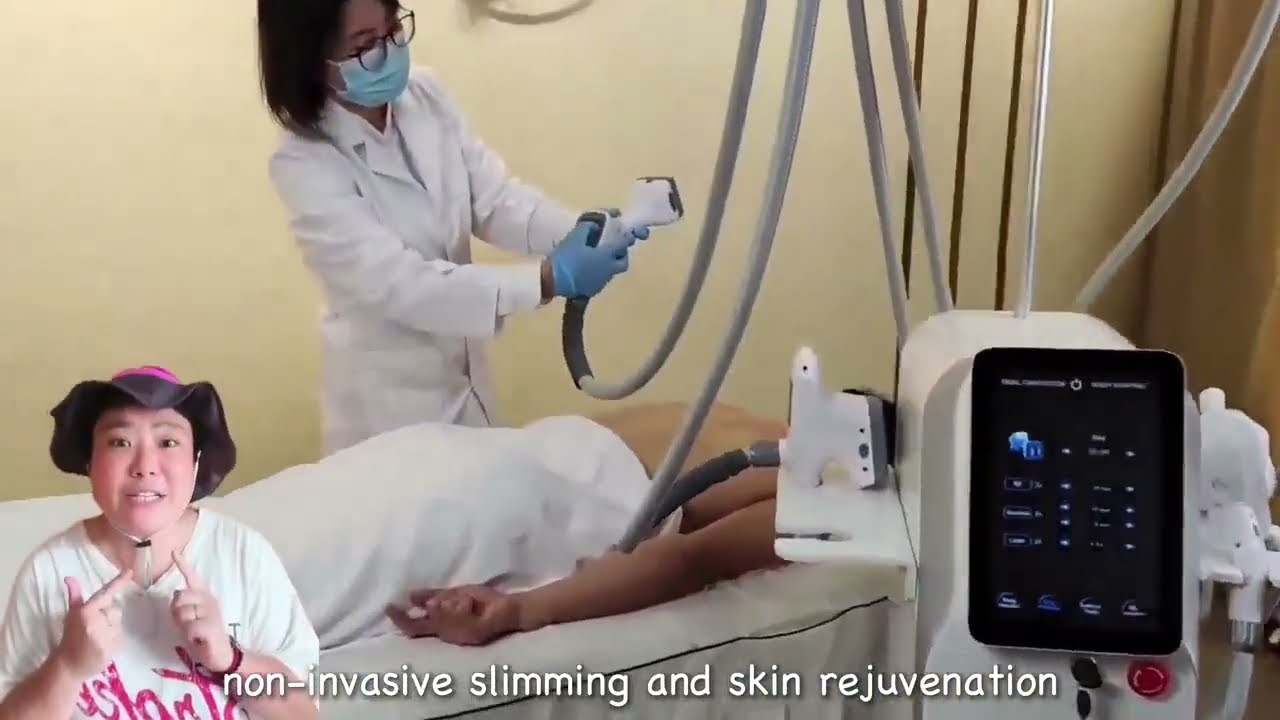 Product showcase
Body contouring
Vacuum RF and Cavitation Equipment Walkthrough
Watch a multi-handpiece vacuum RF equipment walkthrough, then compare Vortex catalogue models, applicators and specifications for a professional buying brief.
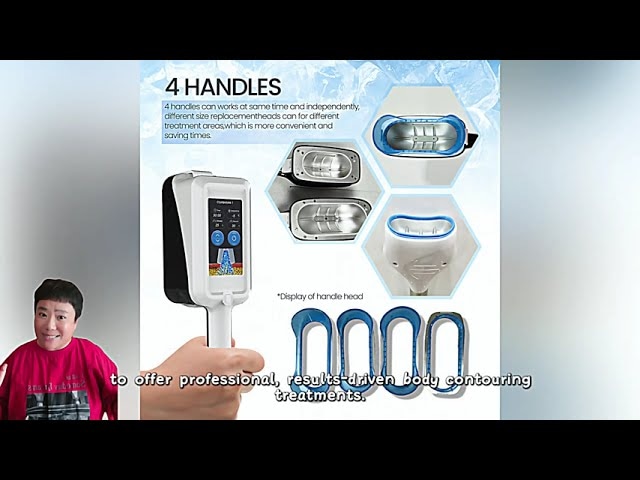 Product showcase
Body contouring
360° Cryolipolysis Equipment Showcase
Watch a cryolipolysis cabinet and applicator showcase, then compare related Vortex models, handle configurations, displays and published technical data.
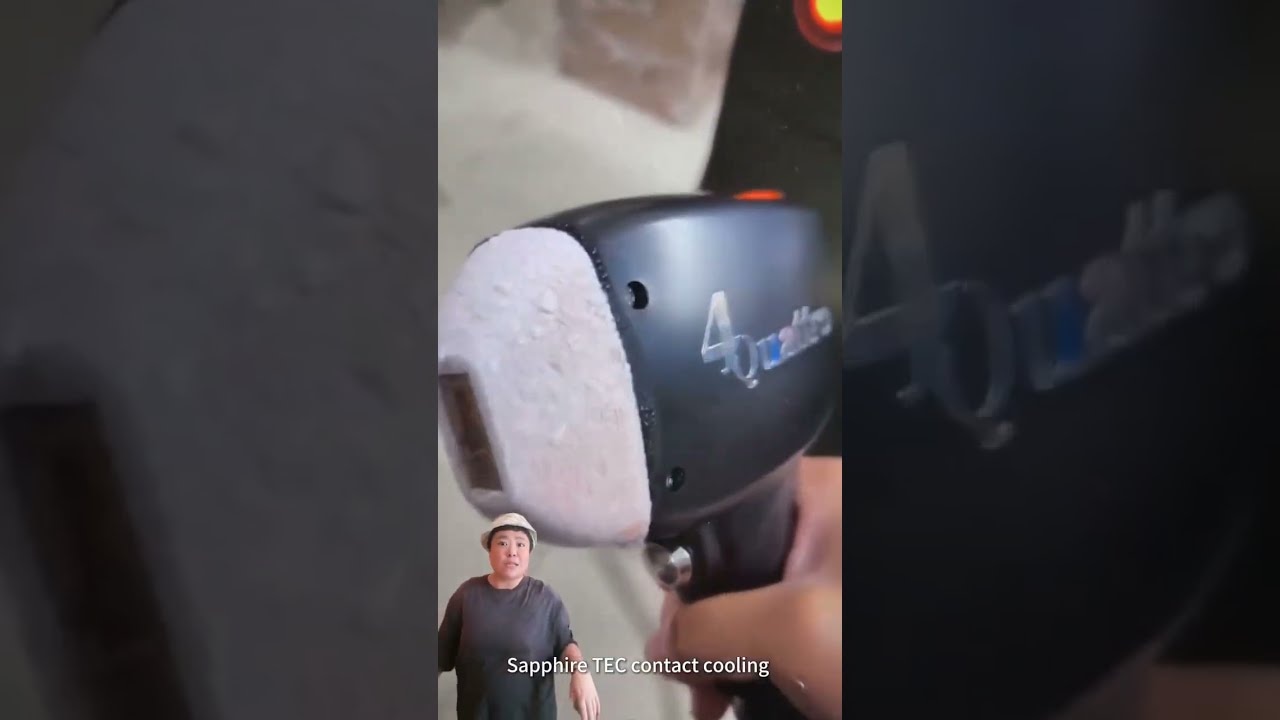 Product showcase
Photon & laser
Diode Laser Handpiece and Equipment Showcase
Watch diode laser handpiece and cabinet views, then compare related Photon models by wavelength, spot size, pulse width and configuration for your buying brief.
Describe the equipment project you want to discuss
Bring your target market, candidate models, quantity and project scope into the conversation.
Technical References
Page prepared by Aurum Epoch Editorial Team.