
TL;DR
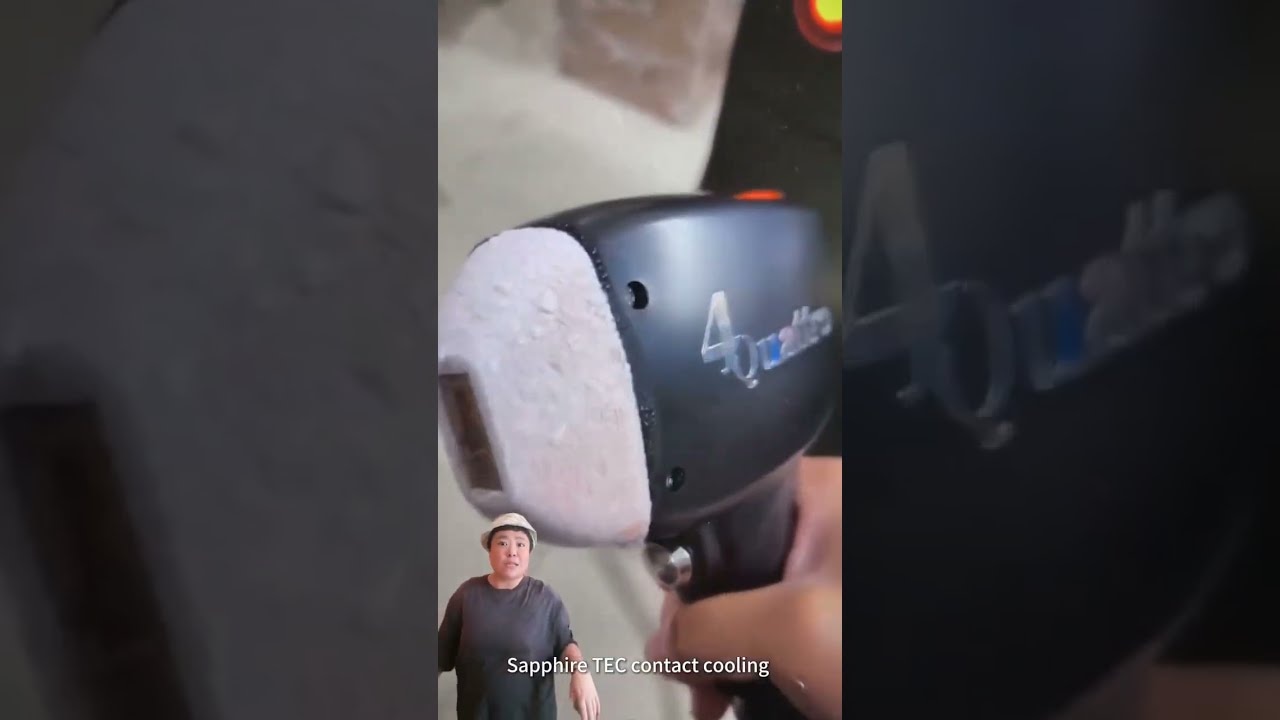
- The short clip highlights a diode-laser handpiece and equipment cabinets.
- Use the treatment-window and cabinet views to prepare configuration questions.
- Photon-PLD161 and Photon-PLD171 are related catalogue options with published specifications.
- Compare wavelength, spot and pulse listings before requesting the selected version.
Direct answer
What should buyers compare after watching a diode-laser handpiece video?
Move from the visible handpiece to a named model and compare its published wavelengths, spot options, pulse width, repetition settings and cooling configuration. Keep every value attached to the product page that supplies it. Then describe the requested model, handpiece, electrical version, quantity and destination market in the quotation brief so the offer has a clear equipment scope.
Start with the handpiece, then identify the equipment configuration
The footage includes close views of the handpiece window and body, followed by cabinet views. Use those shots to ask how the quoted handpiece is identified and which spot options belong to the proposed version. The related model pages are the next step for a written comparison.
The model identity guide explains how to keep the quotation, label, manual and images aligned. It is particularly useful when a familiar handpiece shape appears on more than one equipment listing.
Read wavelength, spot and pulse information together
The Photon-PLD161 and Photon-PLD171 product pages list different spot and pulse configurations. Compare those fields together with the wavelength and frequency listing rather than choosing a candidate from a single headline value.
For a configuration containing more than one source or module, use the source and handpiece mapping guide. It keeps the base system, source, handpiece and accessories connected in the buying record.
Explore similar options
Related Products
The named catalogue models below are related options for comparison. Open each product page for its own configuration and current product information.
 Photon & laser
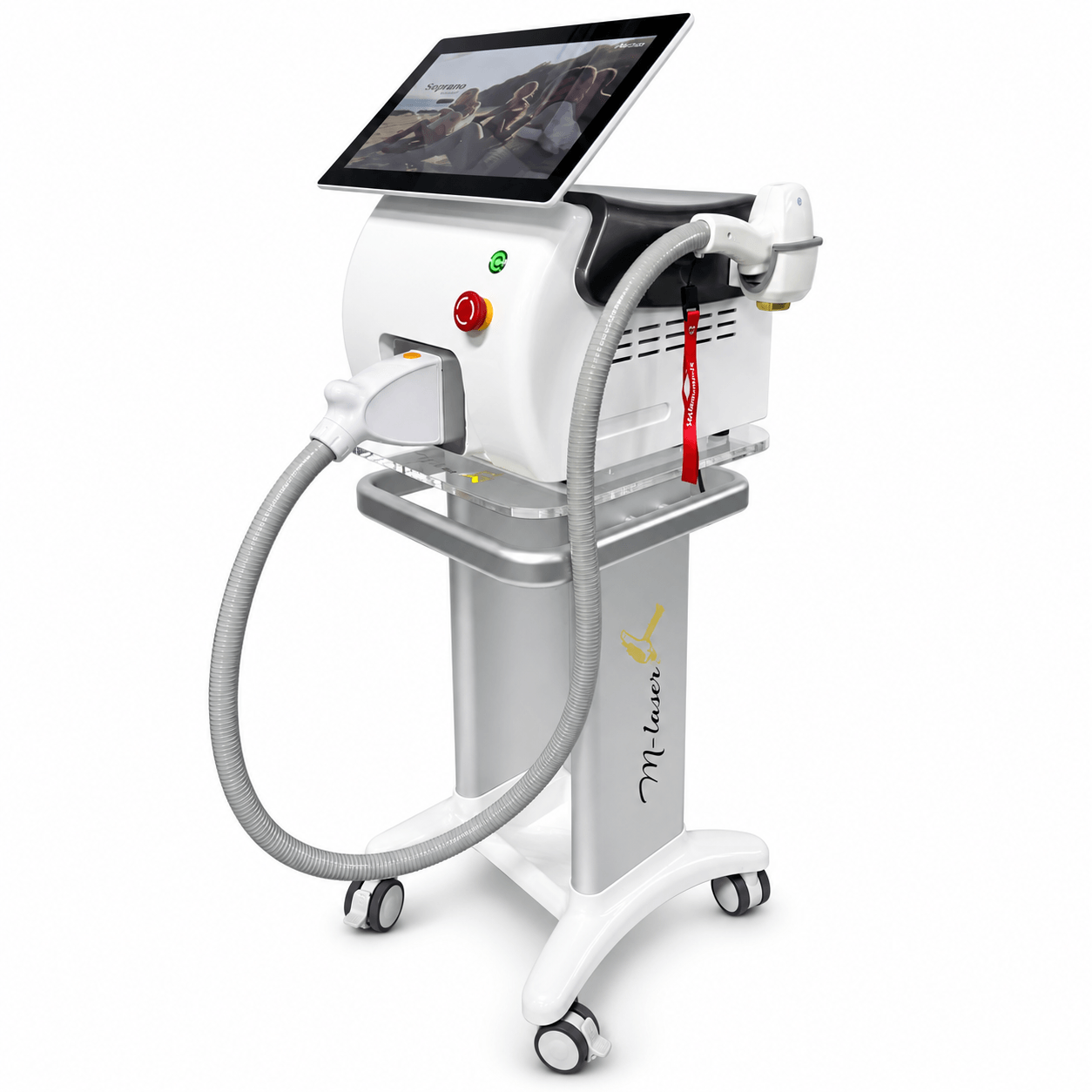
Photon-PLD161
Diode Laser Platform
View model & specifications →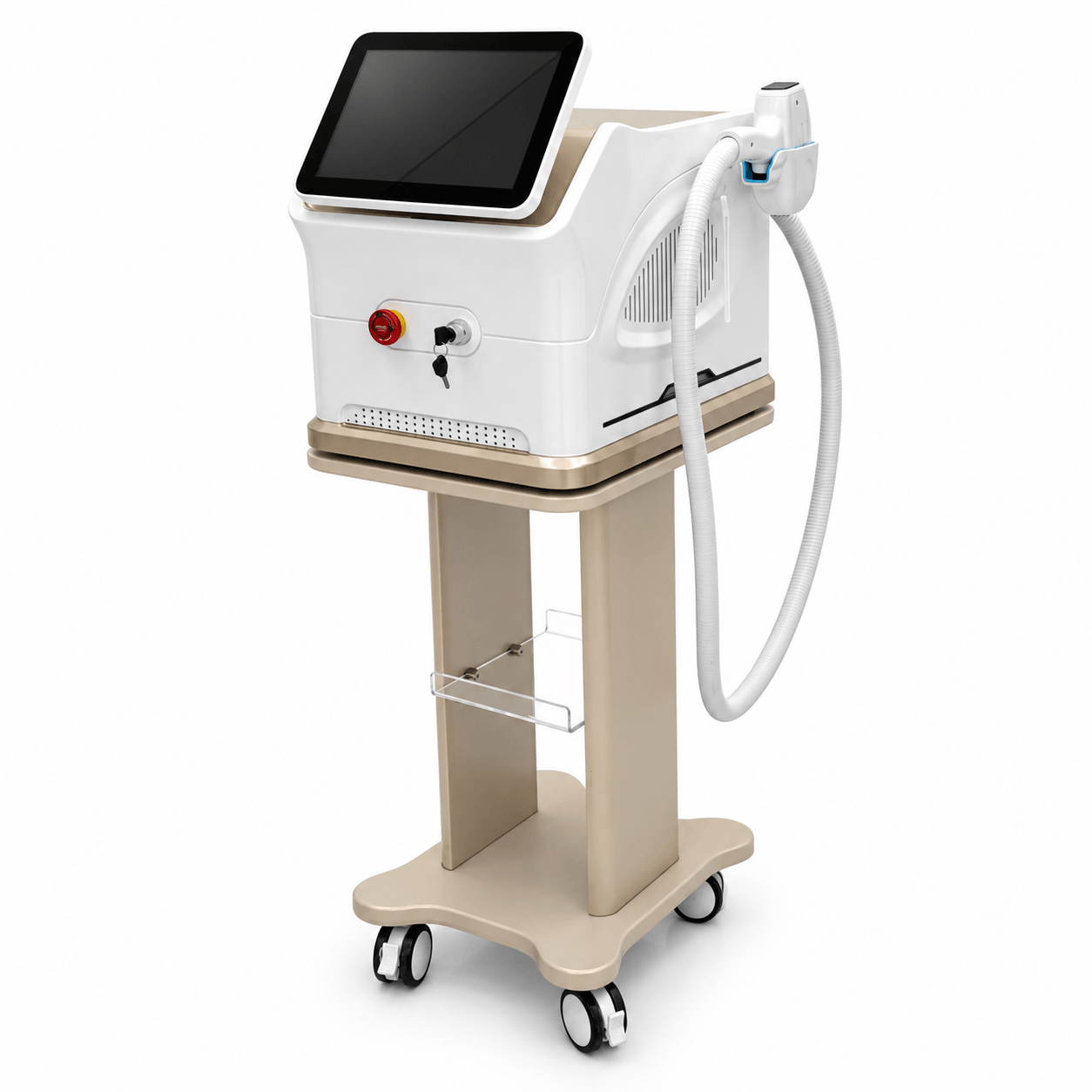 Photon & laser
Photon-PLD171
Diode Laser Platform
View model & specifications →Explore the photon & laser catalogue for more options.
Product-page data
Technical specifications for the related catalogue models
These values belong to the model named in each row. The linked product page provides the full specification context.
| Catalogue model | Specification | Published value |
|---|---|---|
| Photon-PLD161 | Wavelengths | 755 / 808 / 1064 nm |
| Photon-PLD161 | Repetition frequency | 1–10 Hz |
| Photon-PLD161 | Pulse width | 1–800 ms |
| Photon-PLD161 | Spot sizes | 15 × 15 / 15 × 20 / 15 × 30 / 15 × 40 mm |
| Photon-PLD161 | Voltage | AC 110/220 V, 60/50 Hz |
| Photon-PLD171 | Wavelengths | 755 / 808 / 1064 nm mixed |
| Photon-PLD171 | Frequency | 1–10 Hz adjustable |
| Photon-PLD171 | Pulse width | 1–400 ms adjustable |
| Photon-PLD171 | Spot options | 12 × 15 / 12 × 20 / 12 × 25 / 12 × 32 mm |
| Photon-PLD171 | Cooling | TEC + sapphire contact |
Compare related Photon diode-laser configurations
| Selection point | Photon-PLD161 | Photon-PLD171 |
|---|---|---|
| Wavelength listing | 755 / 808 / 1064 nm | 755 / 808 / 1064 nm mixed |
| Spot options | 15 × 15 / 15 × 20 / 15 × 30 / 15 × 40 mm | 12 × 15 / 12 × 20 / 12 × 25 / 12 × 32 mm |
| Pulse width | 1–800 ms | 1–400 ms adjustable |
| Frequency | 1–10 Hz | 1–10 Hz adjustable |
Turn a handpiece view into a model-specific shortlist
- 01
Observe
Watch the handpiece and cabinet presentation.
- 02
Identify
Choose the named catalogue models to compare.
- 03
Compare
Review wavelength, spot, pulse and cooling fields together.
- 04
Brief
Send the requested version, quantity and market for quotation.
Prepare laser-equipment questions for the intended market
Record the intended professional setting, exact model, optical configuration, language, electrical version and document needs. Review the current laser buyer guide for the broader comparison sequence.
When the model is selected, the label and manual review checklist helps organize version and language questions for the target market. Applicable operator and market requirements belong in a qualified local review.
Frequently asked questions
What does the diode-laser clip focus on?
It focuses on a handpiece treatment window and body, then presents equipment cabinets. The page uses these visuals as a starting point for model and handpiece questions.
Which Photon models are related options?
Photon-PLD161 and Photon-PLD171 are linked as catalogue options for diode-laser configuration comparison.
Which handpiece parameters should be compared together?
Review the named model’s wavelength, spot options, pulse width, frequency and cooling listing together with its requested configuration.
Can a familiar handpiece shape identify a quotation?
Use the model and handpiece references in the current quotation, label and manual. The model identity guide provides a reusable comparison method.
How do I request the relevant configuration?
Send the model, requested handpiece/spot version, quantity, electrical supply, language and destination market with your specification questions.
Related videos and buying guides
 Product showcase
Body contouring
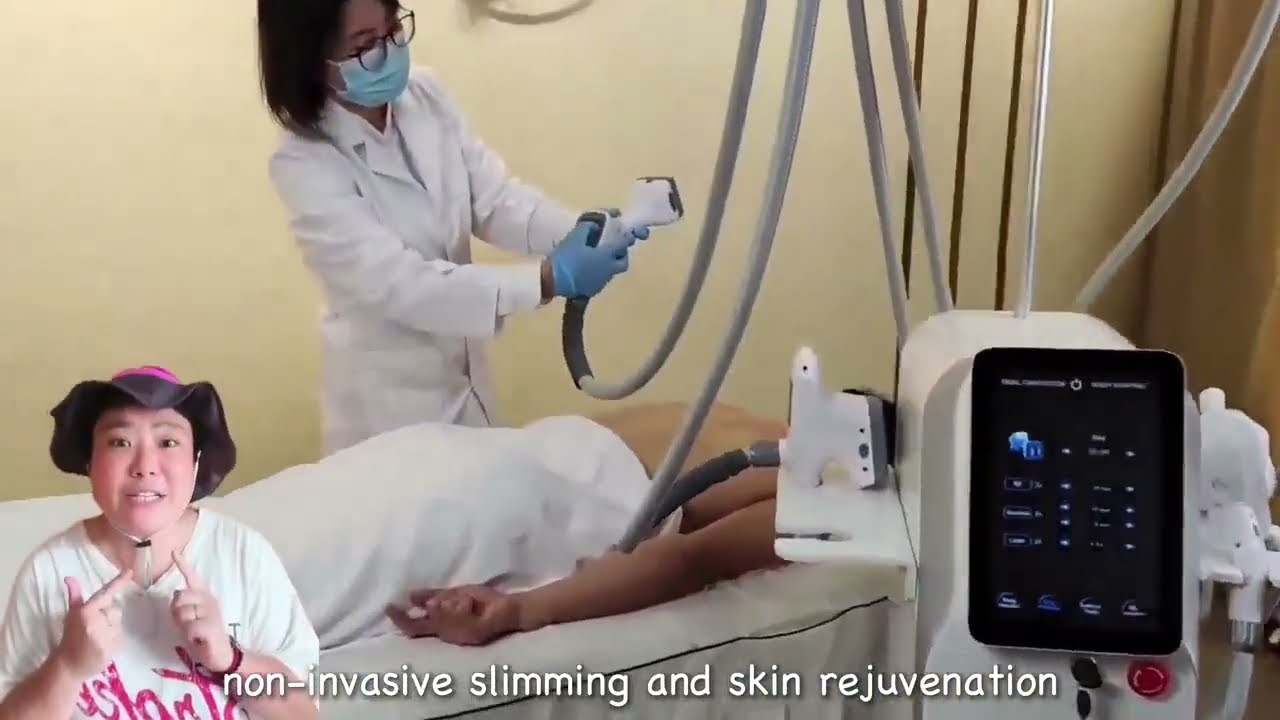
Vacuum RF and Cavitation Equipment Walkthrough
Watch a multi-handpiece vacuum RF equipment walkthrough, then compare Vortex catalogue models, applicators and specifications for a professional buying brief.
 Product showcase
Body contouring
360° Cryolipolysis Equipment Showcase
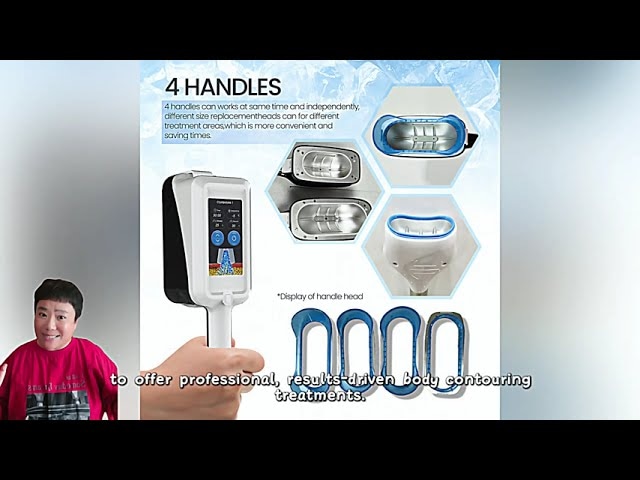
Watch a cryolipolysis cabinet and applicator showcase, then compare related Vortex models, handle configurations, displays and published technical data.
 Company overview
Company & equipment range
Beauty Equipment Range and Production-Floor Overview
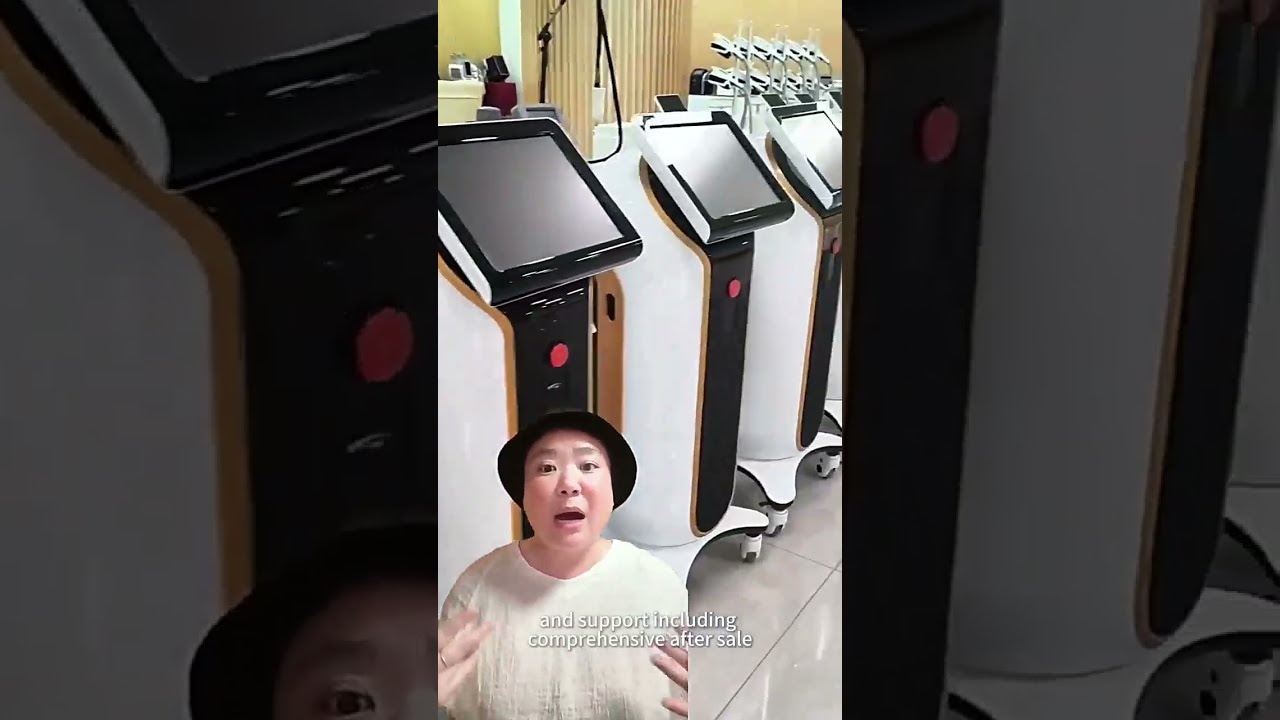
Explore equipment cabinets, workstations and production-floor views, then browse related beauty equipment categories and prepare a model-specific supplier brief.
Compare the Photon diode-laser options
Review the model pages, then share the handpiece configuration and target-market questions for your project.
Technical References
Page prepared by Aurum Epoch Editorial Team.